Datalogger Download
To transfer the readings stored in the logger to the PC:
a. Connect the datalogger to the same USB port used when the datalogger was
initialized.
b. Open the HT datalogger software program if it is not running.
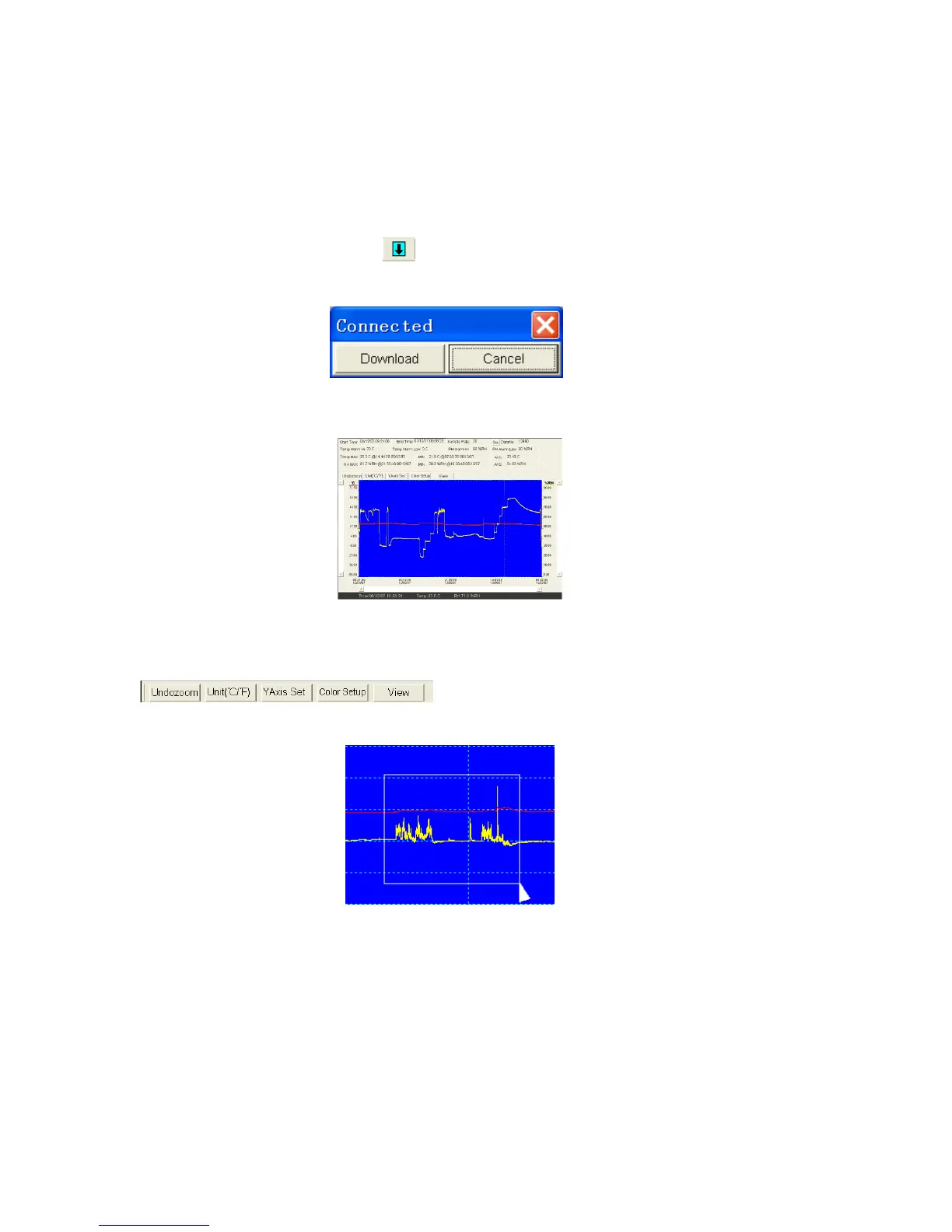
c. Click on the Download icon .
d. The window shown below will appear. Select Download to begin transferring
readings.
If readings are successfully transferred, the Data Graph window will appear.
The top field shows detailed information of the readings (Time, Sampling Rate, Data
Numbers, Alarm Hi, Alarm Low, Max Data, Min Data and Avg. Data).
Zoom in:
1. Press the left mouse button and drag a rectangle around the area to be expanded.
2. Release the mouse button.
3. Use the horizontal scrollbar to scroll through all the data. Use the left vertical
scrollbar to scroll through the temperature data. Use the right vertical scrollbar to
scroll through the relative humidity data.
6


 To Next Page