8 9
English
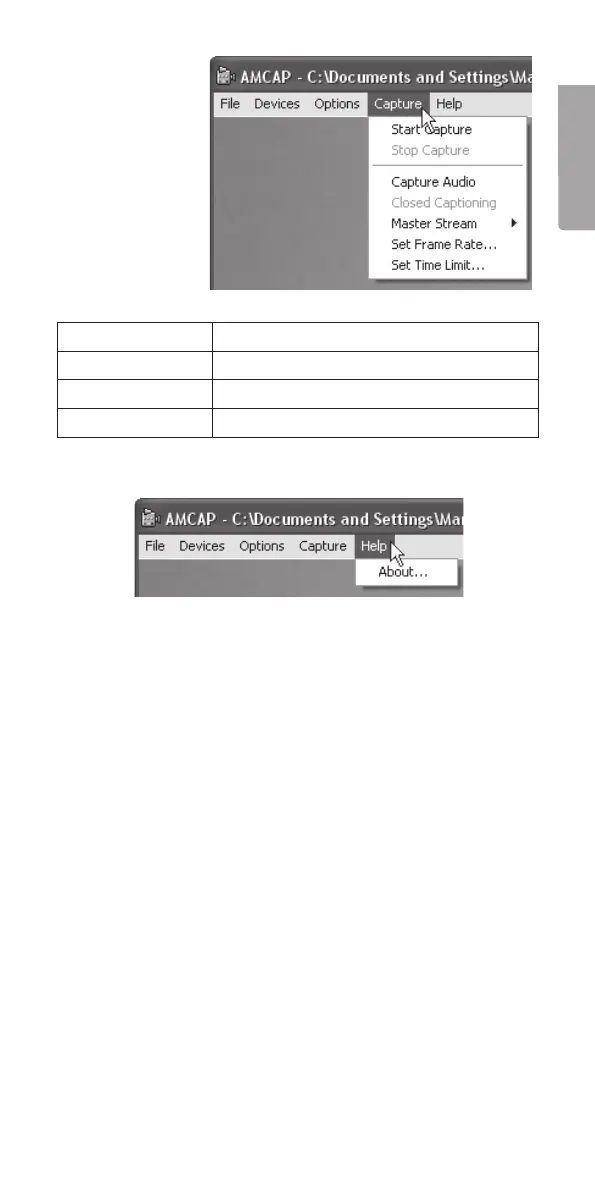
Capture
Start Capture Begins recording.
Stop Capture Stops recording.
Set Frame Rate Sets image frequency.
Set Time Limit Sets video capture time.
Help
Click About to view program details.
Care and maintenance
Wipe the inspection camera using a moistened cloth when
necessary. The camera is water resistant (however, it will not
withstand immersion in water).
Disposal
Follow local ordinances when disposing of this product.
If you are unsure of how to dispose of this product, please
contact your municipality.
Specifications
Operating system Windows XP/2000/Vista
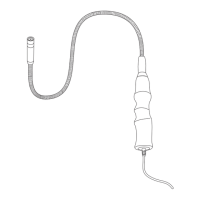
Arm length 65 cm
Arm diameter Ø 14 mm
Lead length 2 m


 To Next Page