2
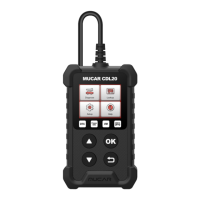
1. Diagnostic VCI Dongle: Green: device is powered on.Blue: bluetooth is connected.Red:
there is a fault code.
2. OBD Port: Plug in the diagnostic cable whose OBD 16-pin connector is linked to the DLC of
the vehicle.
2. Technical Specifi cations
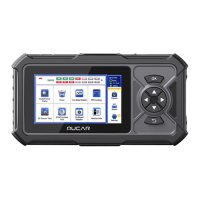
MUCAR CDE900 MAX Tablet
• Display: 7" display
• Working Environment: 0~50°C (32~122°F)
• Storage Environment: -20~60°C (-4~140°F)
• Working Voltage: 5V
• Working Current: ≤2.5A
• Supported Protocols: ISO9141, KWP2000 (ISO 14230), J1850PWM, J1850VPM and
CAN OBDII protocol.
MUCAR CDE900 MAX Diagnostic VCl Dongle
• Working Voltage: 9~18V
• Working Current: <60mA
• Working Environment: 14°F~122°F(-10°C~50°C)
• Storage Environment: -4°F~144°F (-20°C~60°C)
3. How To Use
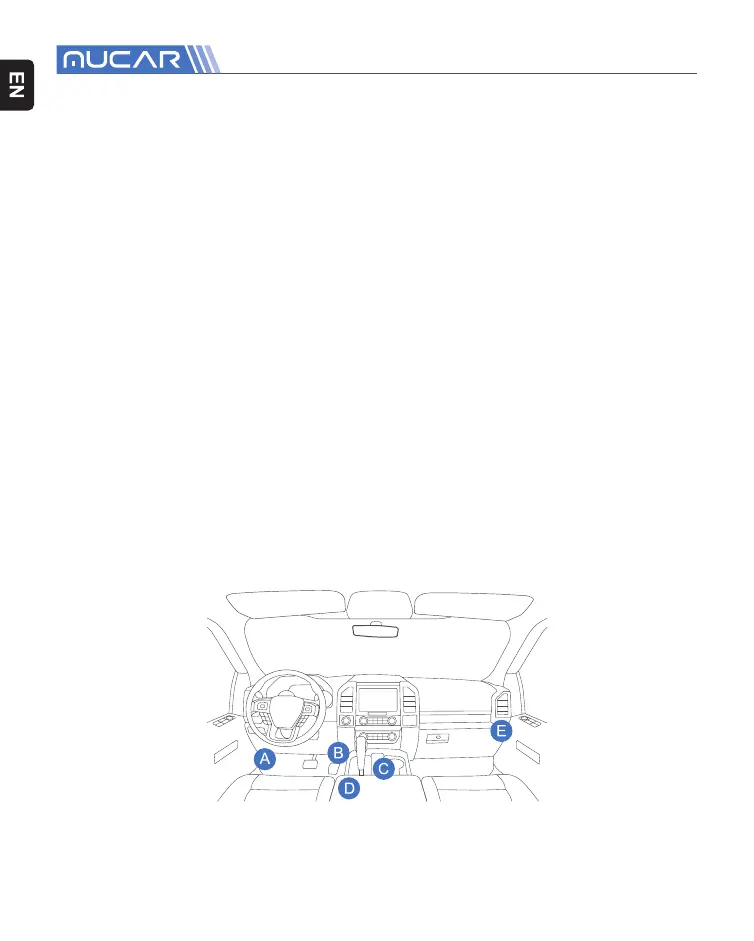
Connect the MUCAR CDE900 MAX with your vehicle through the OBDII port.
Usually, the OBD port is located under the dashboard, above the pedal on the driver’s
side. The fi ve locations shown in the picture are common OBDII port locations.



 To Next Page