EasyManua.ls Logo

Muddy PRO-CAM 20 - User Manual

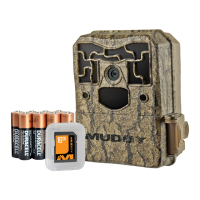
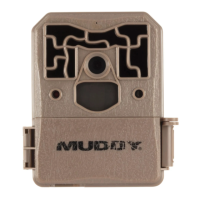
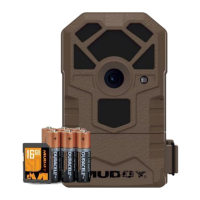
Muddy PRO-CAM 20
24 pages
Print Icon
To Next Page IconTo Next Page
Loading...
MODEL MTC600
Question and Answer IconNeed help?

Do you have a question about the Muddy PRO-CAM 20 and is the answer not in the manual?

Summary

Required Items for Startup

Muddy Pro-Cam 20 Features and Specs

Installing AA Batteries

Connecting 12 V DC Power Source

Installing the SDHC Memory Card

Advanced Settings Configuration

Setting Time and Date

Camera Mode Selection

Image and Video Settings

Image Quality Options

Selects the quality for pictures, affecting storage and detail.

Picture Delay Settings

Info Bar and Motion Test

Motion Test Function

Helps aim the camera by indicating detection zone and motion.

PIR Sensitivity and SD Card Formatting

PIR Sensitivity Adjustment

Tunes the camera's motion detection sensitivity to environmental conditions.

Format SDHC Card

Formats the SDHC card to clear data and prevent file system corruption.

Mounting and Field Setup

Camera Operation Modes

Arming the Camera

Explains the process of arming the camera to prepare for capturing images.

Camera Care and Maintenance

Troubleshooting Common Issues

Camera Not Responding

Steps to resolve issues when the camera is unresponsive or cannot be powered off.

SD Card Issues

Advice for troubleshooting problems related to SDHC card recognition or corruption.

Warranty Information

Muddy PRO-CAM 20 Specifications

General IconGeneral
BrandMuddy
ModelPRO-CAM 20
CategoryScouting Camera
LanguageEnglish

Related product manuals