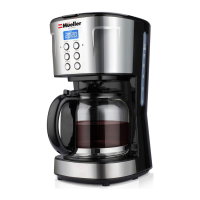
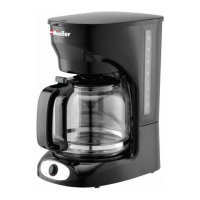
4. Place the Carafe with lid attached onto
the Warming plate.
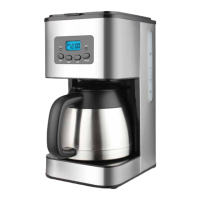
5. Plug the power cord into the wall outlet.
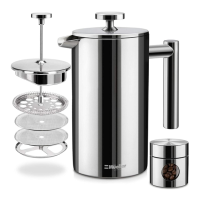
6. Switch On/Off switch to ON to start
brewing coffee. The indicator light will
turn on.
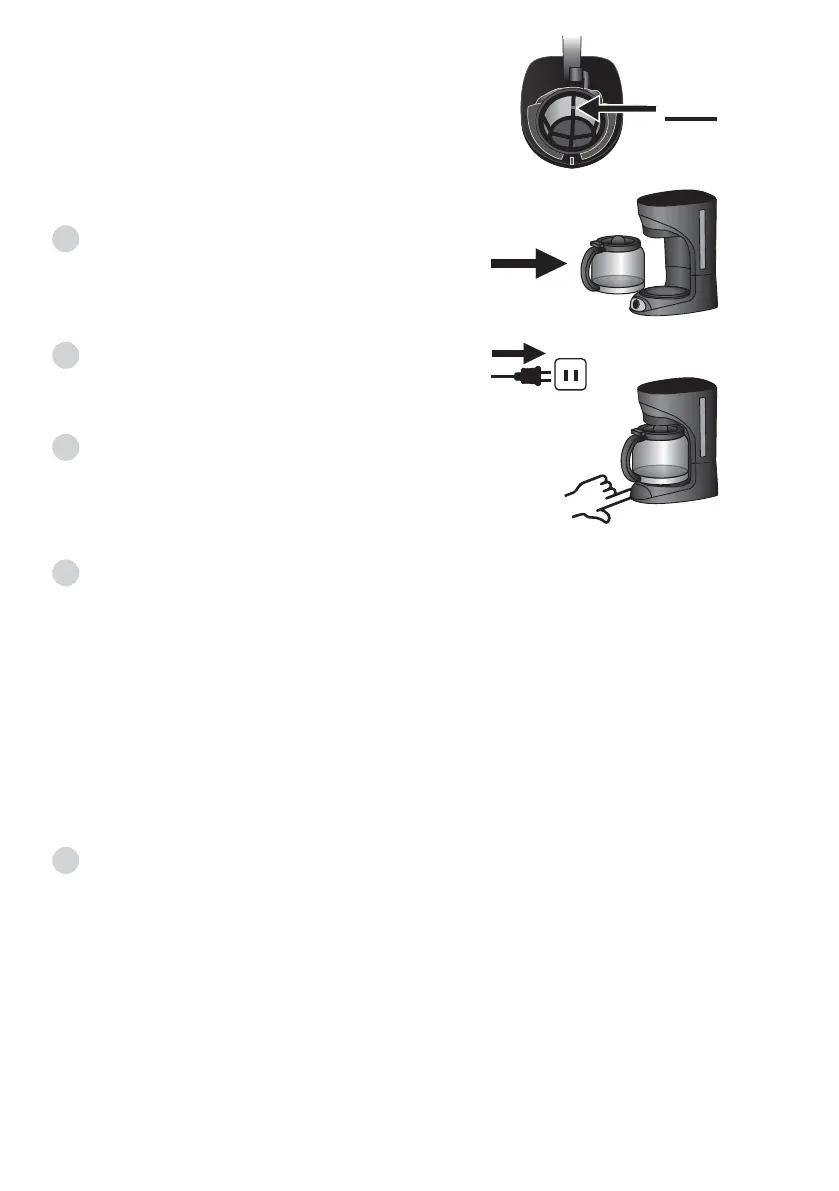
NOTE: Do not exceed the MAX level
marked on the filter when adding coffee
powder (about 12 tablespoons). Refer to
the illustration.
7. Once the brewing process is completed you may serve the coffee.
NOTE: If you do not wish to serve immediately, leave the Carafe on the
Warming plate to keep warm.
NOTE: The amount of brewed coffee may be less than the water you have
added into the Water tank, as some water gets absorbed by the coffee
grounds. For an optimum coffee taste, serve it just after brewing. Be careful
while pouring the hot coffee to avoid scalding.
8. Always turn the coffee maker off and disconnect the power supply when
not in use.
NOTE: It will take about 10-12 minutes to brew 12 cups of coffee (maxi-
mum amount).
- The brewing process can be halted by switching the Power switch button
to OFF at any time. The appliance will continue brewing once the Power
switch button is switched to ON.
- You can take out the carafe, pour, and serve your coffee at any time. The
appliance will automatically stop dripping.
MAX


 To Next Page