www.element14.com
www.farnell.com
www.newark.com
Page <14> V1.118/06/18
MC-I20 User Manual & Troubleshooting
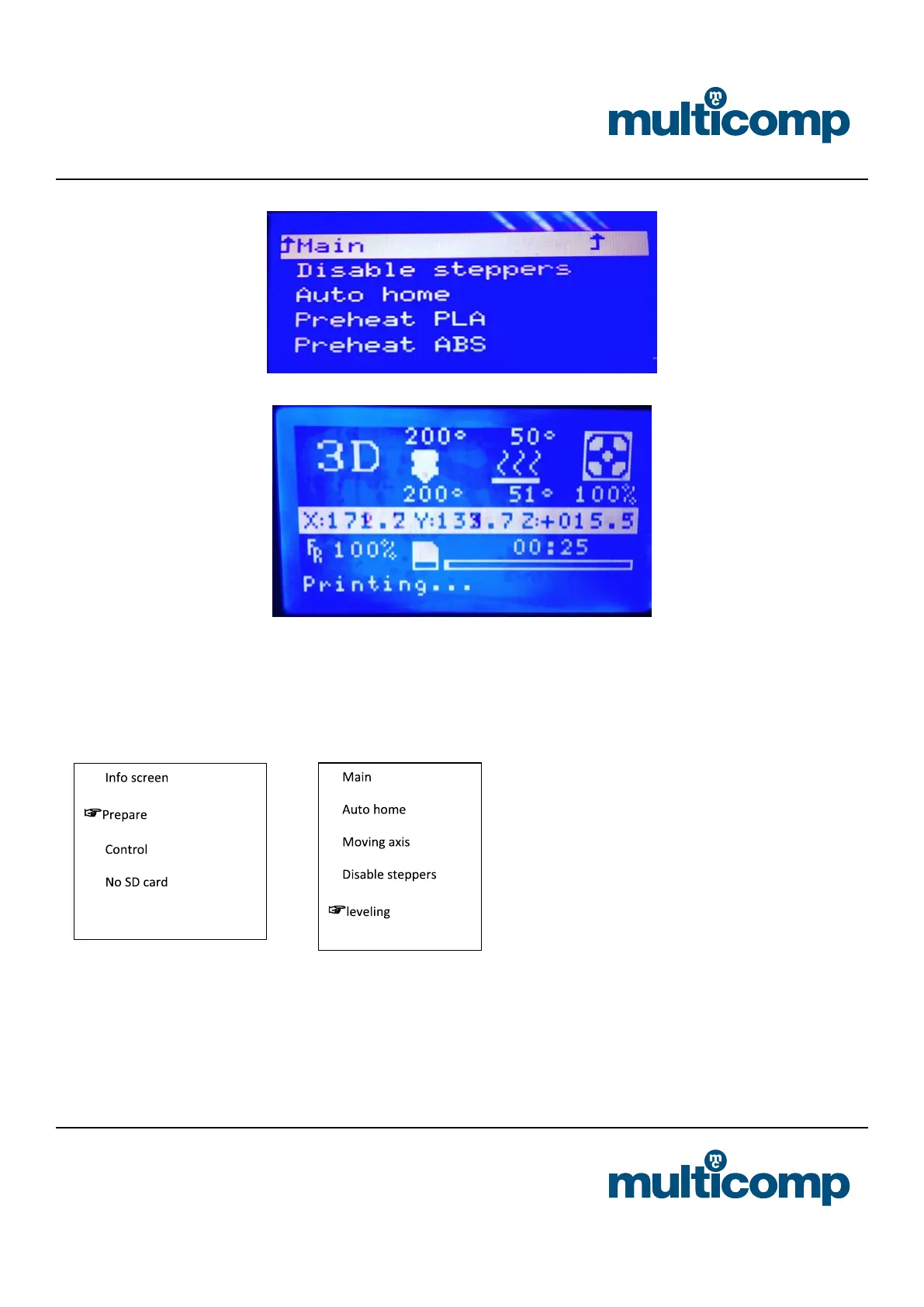
(On the top is the preset temperature, on the button is the actual temperature)
Step 3: Levelling
Machine levelling is very important and directly related to the print quality. By levelling before printing, you don’t have to adjust
it when post-printing.
a. Press the control knob to select “Prepare” -> “Leveling”
b. After selecting the “leveling” command, according to the screen prompts, the nozzle will move to the four corners of the
platform in order, horizontally observe the distance between the platform and the nozzle, and adjust the distance between
the nozzle and the platform through the knob under the platform. Just can put A4 paper between them. After the adjustment,
select “Auto-home” “disable steppers” and when moving the nozzle manually, there are shallow scratches on the A4 paper.


 To Next Page