www.element14.com
www.farnell.com
www.newark.com
Page <10> V1.118/06/18
MC-I20 User Manual & Troubleshooting
Equipment and Printing Instructions
1. Prepare before printing
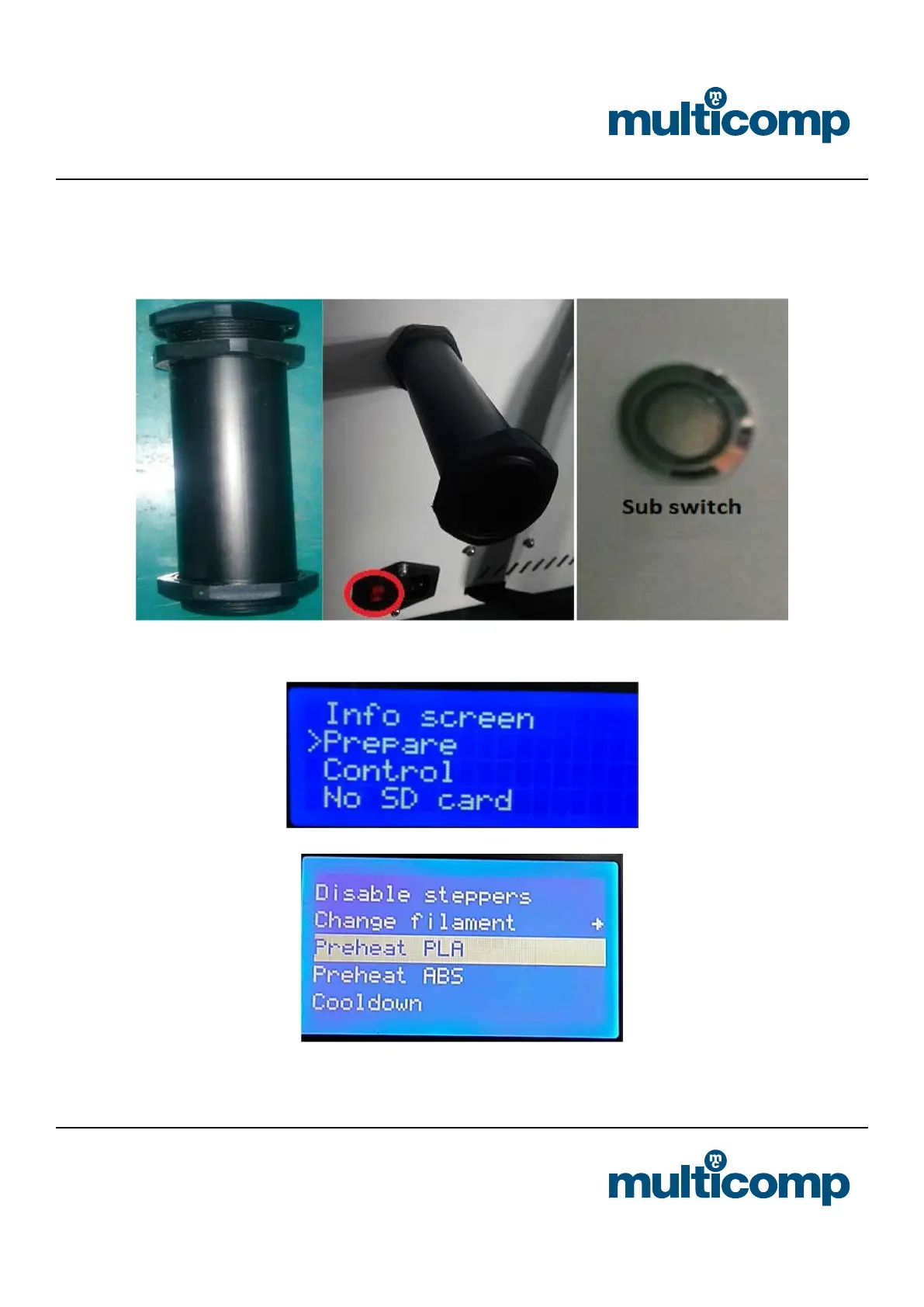
a. Connect the power supply, turn on the switch (connect the main switch at the power cord and the sub switch on the side of
the machine), and install the rack
b. Feed (Note: 1, preheated nozzle before the feeding, click “Prepare” ☞ “Preheat pla”, until the temperature is heated to the
specied temperature, the consumable are sent to the feed gear, select “ change lament “”loading”)
Preheat the nozzle before feeding and retreating, quickly pull out the lament after the lament is withdrawn, otherwise the
lament will block the nozzle.


 To Next Page