www.element14.com
www.farnell.com
www.newark.com
Page <9> V1.118/06/18
MC-I20 User Manual & Troubleshooting
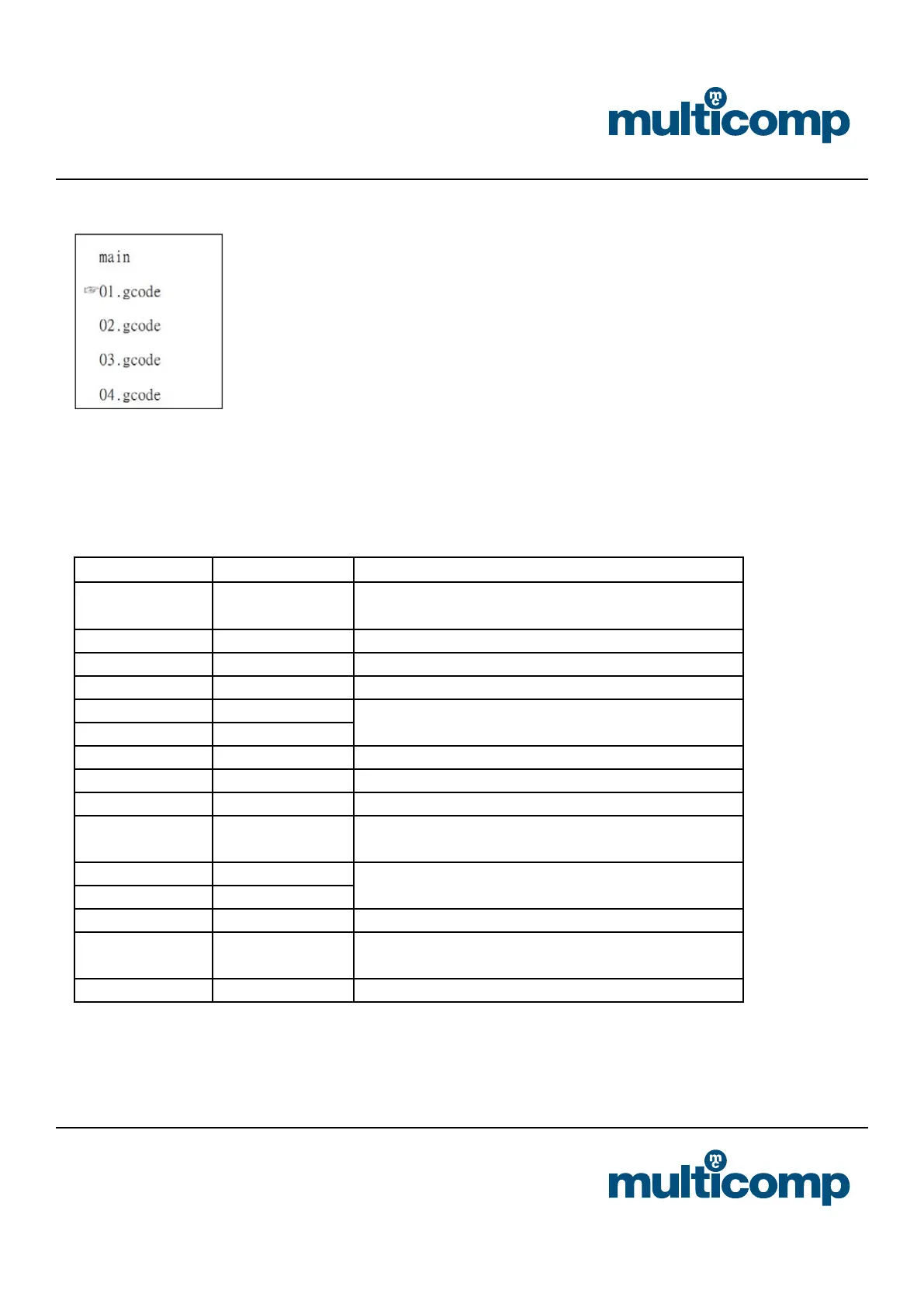
b. Choose the le you want to print
c. Wait for the temperature to reach its predened settings, once the machine is up to temperature, the machine will start to
print
d. After printing, the heat will reset automatically, and you can separate the model from the print bed
8. Menu item function description
Menu options Sub menu Explanation
Info screen
Show the nozzle and bed temperature,
Fan and printing speed,printing time.
Prepare Main Return to previous menu
Disable steppers Moving X Y Z axis by your hands
Auto home Return to the origin position
Preheat PLA
Different materials have different printing temperature
Preheat ABS
Bed Auto Leveling Adjusting platform
Change lament Load and unload material
Cool down Closing heating
Move axis
Moving X Y Z axis by switching the knob. There are three
choices, stepping 10mm/1mm/0.1mm
Control Main
This selection is generally not used. We advise that these
parameters are not modied
Temperature
Restore failsafe Restore factory settings
Print from SD Selecting the le that what you want to printing.(.gcode)
LED control Take on/off LED


 To Next Page