137
ENGLISH
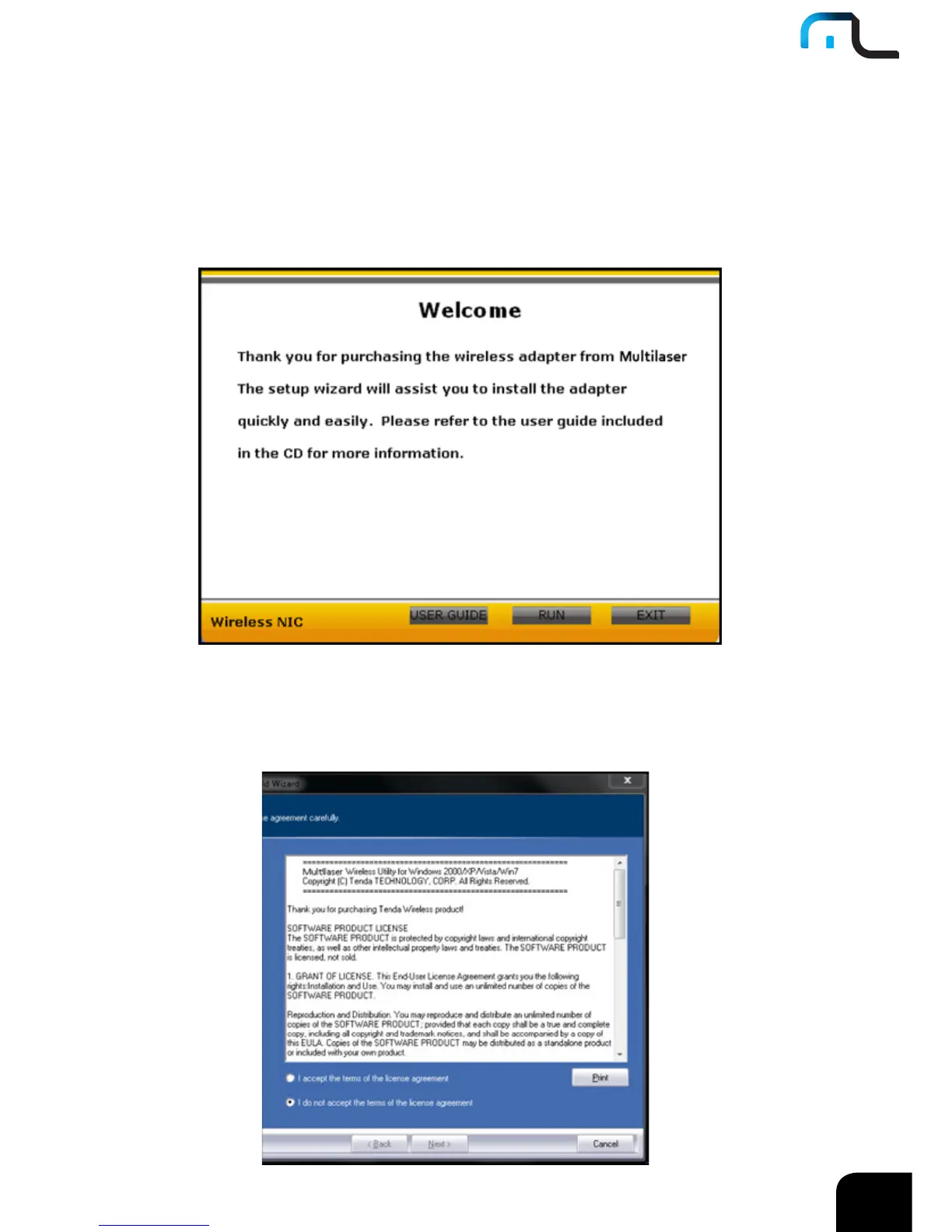
2. Put the included software CD into the CD drive of your computer ,and the driver
should run automatically , a Welcome screen should pop up, just click the “RUN”
button.( Double click “Multilaser.exe”in the software CD and manually install when it
doesn’t auto-run).
3. Select “I accept the terms of the license agreement” and click “Next”.



 To Next Page