144
Adaptadores Wireless
3.2 Wireless Network Connection under VISTA
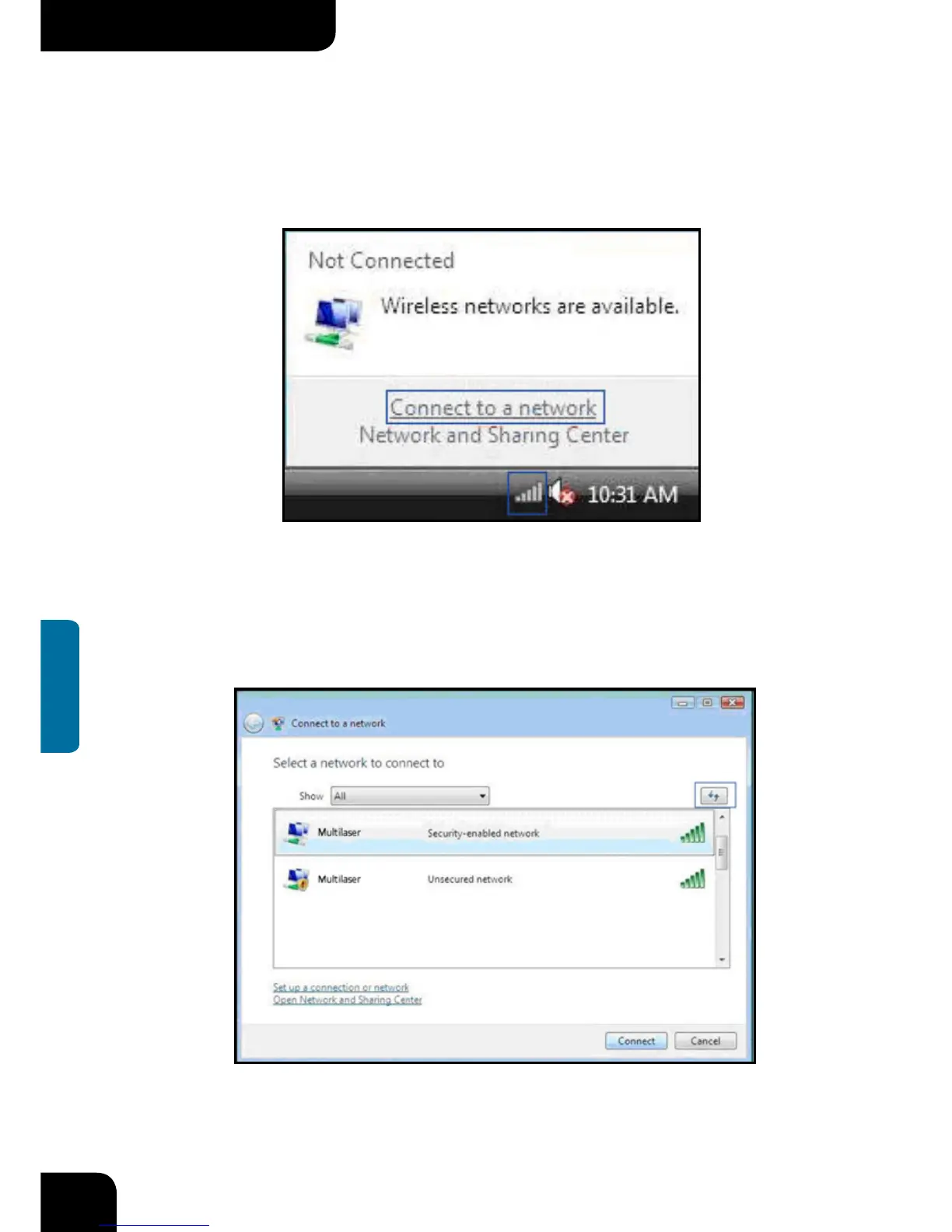
1. Click the Wireless Connection icon in the lower right corner of your desktop and
select “Connect to a network” as shown below.
2. Select the wireless network you wish to connect and click “Connect” or double click
the wireless network to connect. Click the Refresh icon in the upper right corner to
update the network list if you don’t find the specified wireless network.



 To Next Page