139
ENGLISH
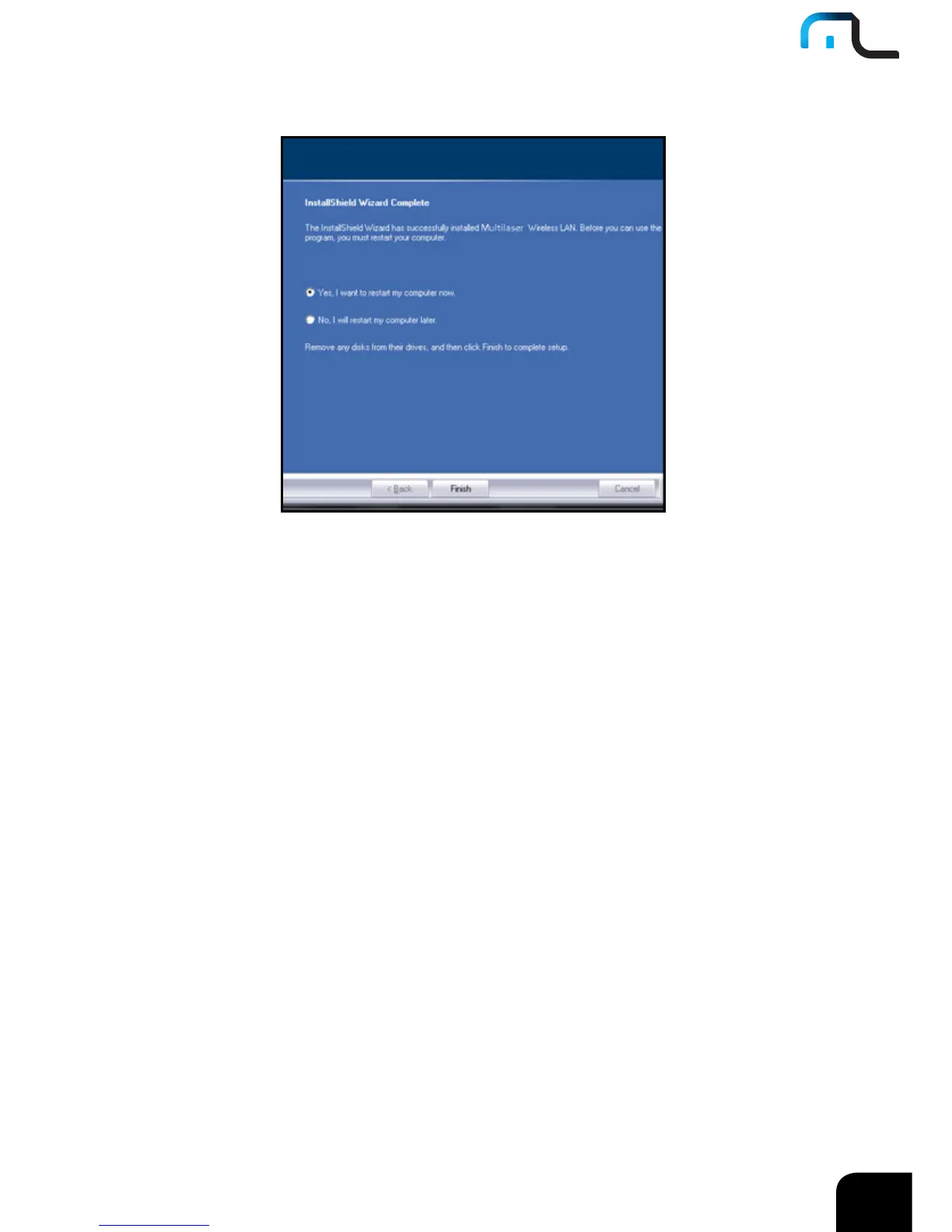
6. Click “Finish” to complete the installation.
3 How to use the Windows Built-in Wireless
Configuration
This chapter explains to users who don’t install Multilaser configuration program how to
use Windows Built-in Wireless Configuration to connect to the wireless network .
Use of the Windows Built-in Wireless Configuration requires enabling Wireless Zero
Configuration service(the default is enabled).



 To Next Page