153
ENGLISH
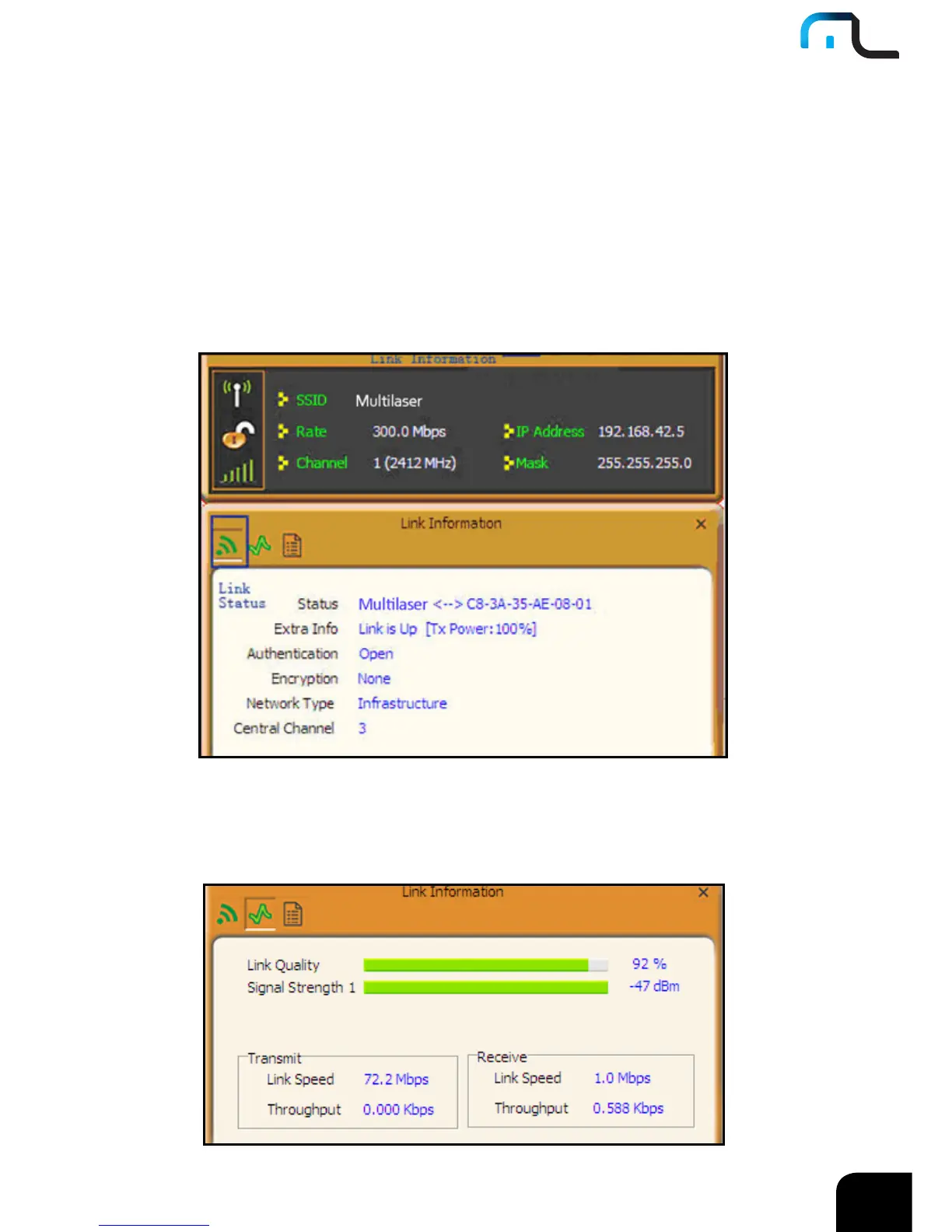
4.1.2 Link Information
After successfully connected to one wireless network, you can view its detailed
information by clicking the “Link Information” on the main interface.
1. “Link Status” screen displays the detailed information of the connected AP including
its SSID,MAC address, authentication type, encryption type, network type and
channel.
2. “Throughput” screen displays the signal strength of each of the wireless adapter’s
antennas and the link quality.



 To Next Page