160
Adaptadores Wireless
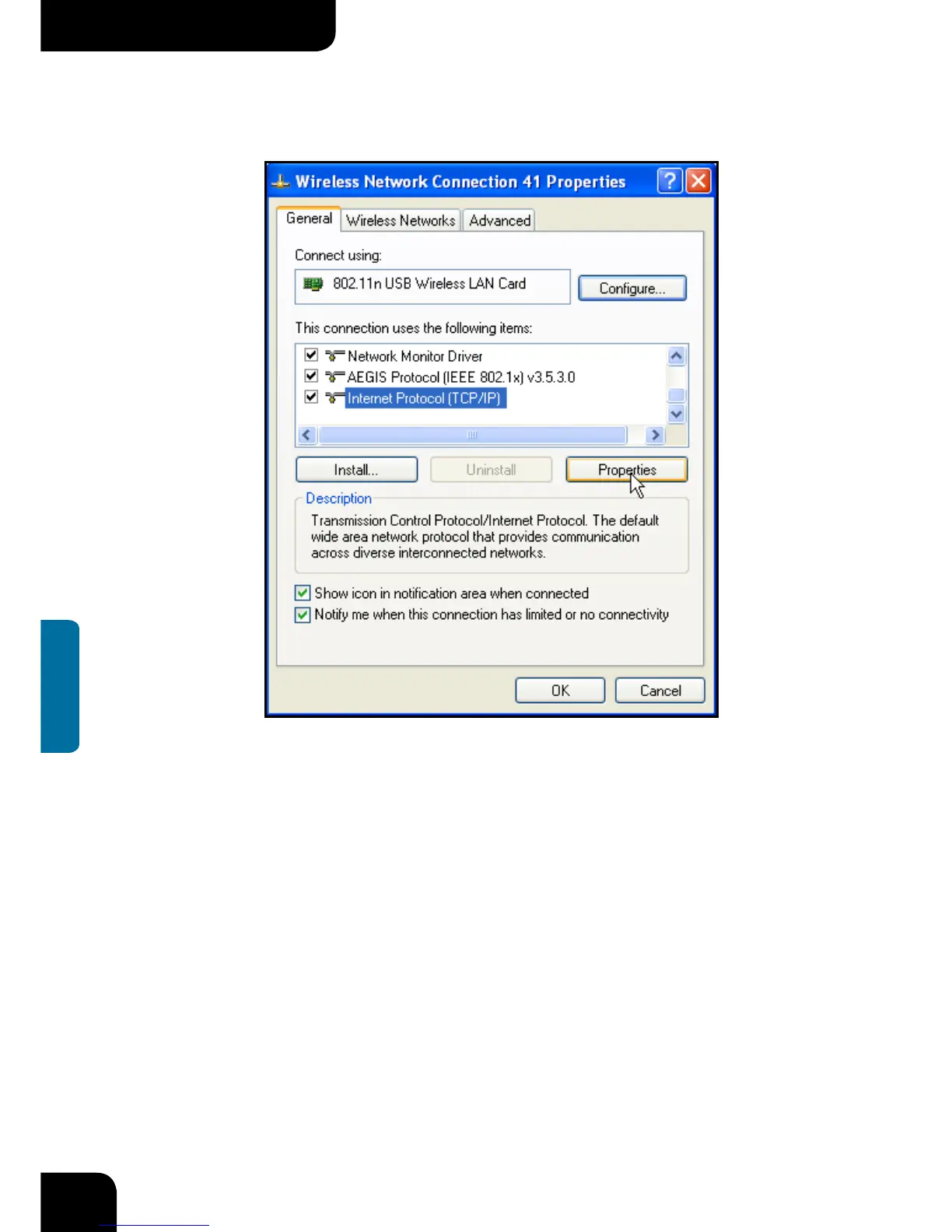
c. Select “Internet Protocol(TCP/IP)”and click “Properties”.
d. Please enter the IP address and subnet mask, and make sure this IP address is not
used by other devices in the network.For example: if your wireless adapter’s IP address
is 192.168.0.1, then set other wireless adapters’ IP addresses within the range of
192.168.0.2—192.168.0.254.Click “Ok” to save the settings.



 To Next Page