168
Adaptadores Wireless
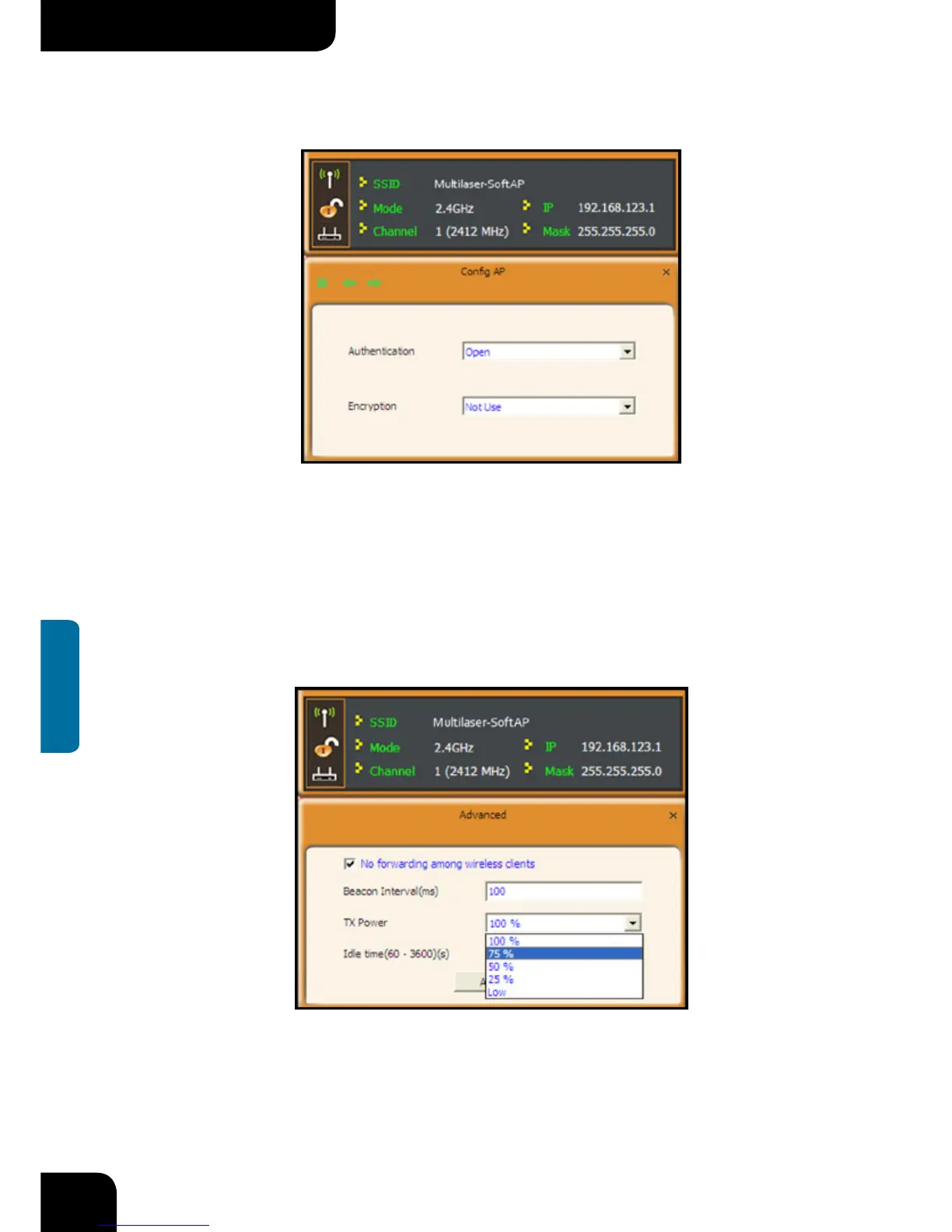
Here the authentication type is set as “Open” and the encryption type “Not Use”.
4.2.2 Advanced
This screen is used to set the advanced parameters of the wireless adapter when
working in AP mode, such as No forwarding among wireless clients and TX power.
No forwarding among wireless clients: This feature isolates the communications among
the wireless clients that are connected to the wireless adapter in AP mode.



 To Next Page