176
Adaptadores Wireless
a. Run the adapter’s UI and switch to STATION mode
b. Two minutes after the router’s WPS-PBC is enabled,press the adapter’s WPS button to
connect in PBC mode.
c. You may view the PBC connection process on the UI’s PBC screen.
2. Wireless Connections in PIN Mode
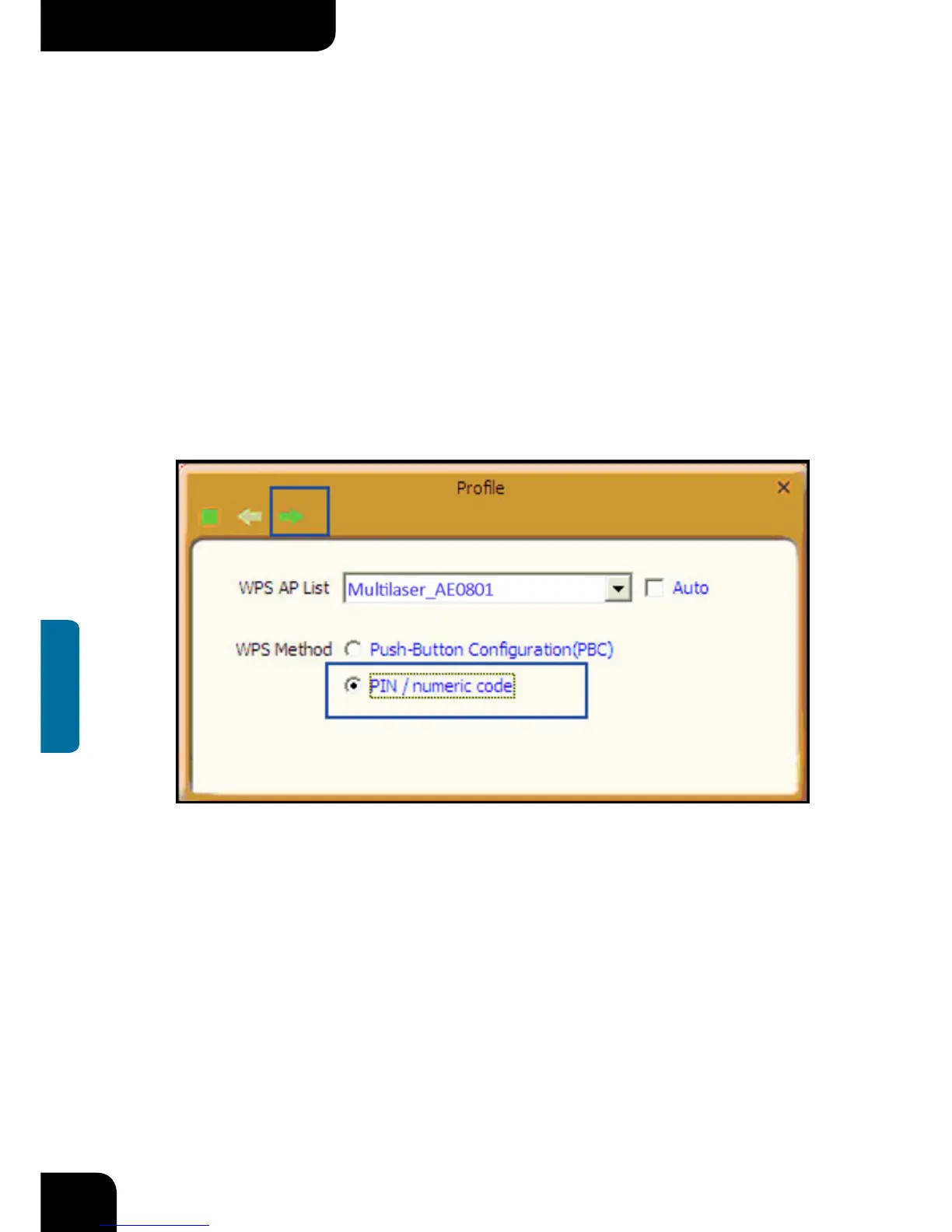
On the “Add WPS Profile” screen, select “PIN ” as the WPS Method. You may select the
wireless AP to be connected in WPS mode on the WPS AP drop-down List,or select “Auto
“and then click the next button.



 To Next Page