Page - 3
www.multispanindia.com
* When set Count reaches at set value ,Relay and Buzzer will be ON.
* Relay will stay on up to the set Time.
* After completion of the set Time - both ,Relay and Buzzer will be OFF.
* If the set time is . then Instrument will work in manual mode and
user need to press Reset key to turn OFF Relay & Buzzer.
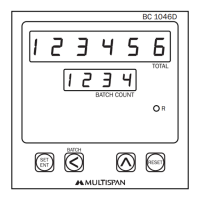
Set Count - 1: Advance setting for batch Count.
Set Count - 2: Batch setting.
Always set the value of set 1 less then set 2.
When it reaches to set count 1, Relay & Buzzer will be ON, & when it reaches
to set count 2, Relay Buzzer will be OFF & Batch Count will be zero.
Note:
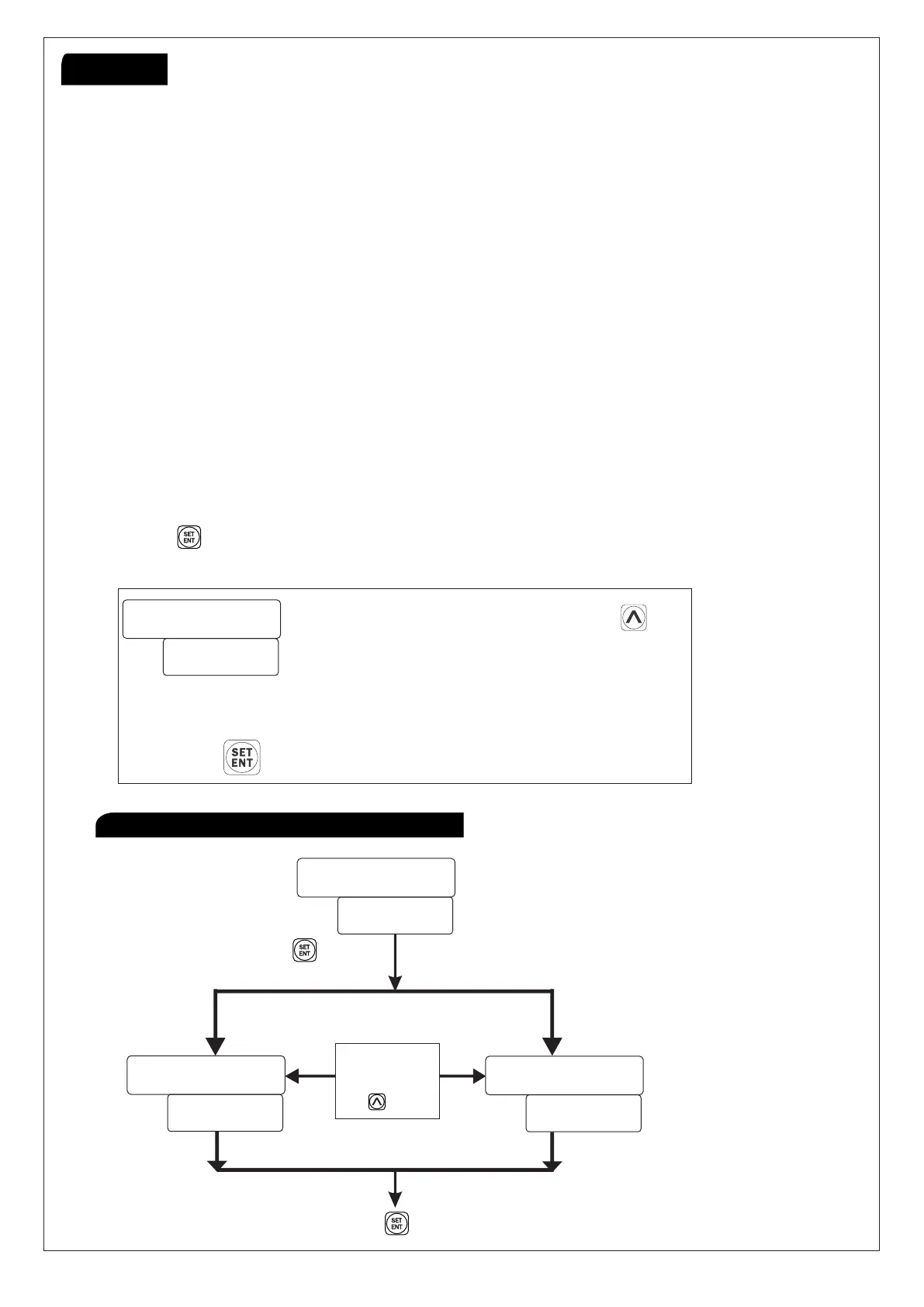
Press key and power on the instrument Display will show parameters
‘SLOW’.”MEDIUM” & “FAST”
Set Speed Selection by Pressing key
SLOW : MAX RPM 500
MEDIUM : MAX RPM 5000
FAST: MAX RPM 15000
Press key to save the parameters
Press Key
for 15 sec.
Press Key To save & exit
Change
Channel
by Pressing
Key
Working
Procedure to set channel of program
BC-1046D,2046,445


 To Next Page