Page-3
www.multispanindia.com
PC-2044
Working
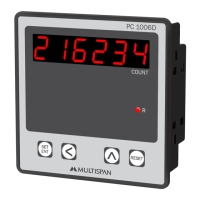
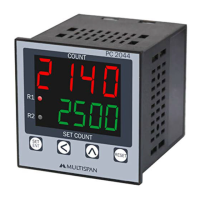
1).Whenpulsecomesfromsensor,upperdisplayindicatesincrementinCOUNTin
Instrument.LowerDisplayindicatesSetCountValue.
2).ForManualMode,settime=00.0sec.andforAutoResetMode,settime=00.1to
99.9sec.
3).Whenprocessvalue=Setvalue,Relayenergies.RelayremainsONforAutoReset
TimeRelayturnsoffaftercompletionoftime.Iftimeissetat00.0sec.thenrelay
remainsONuntilRSTkeyispressed.
4).IfthereisapowerfailurethelastreadingisstoredinthememoryandCounterstarts
resumecountingfromthelaststoredvalue,whenpowerON.
5).TorestartCountingortoResetpressRSTkey.Upperdisplaywillshow0000and
thecountingwillrestart.
6).Theproximityswitchgivepulsetocountereverytimethemetalontherollerissensed.
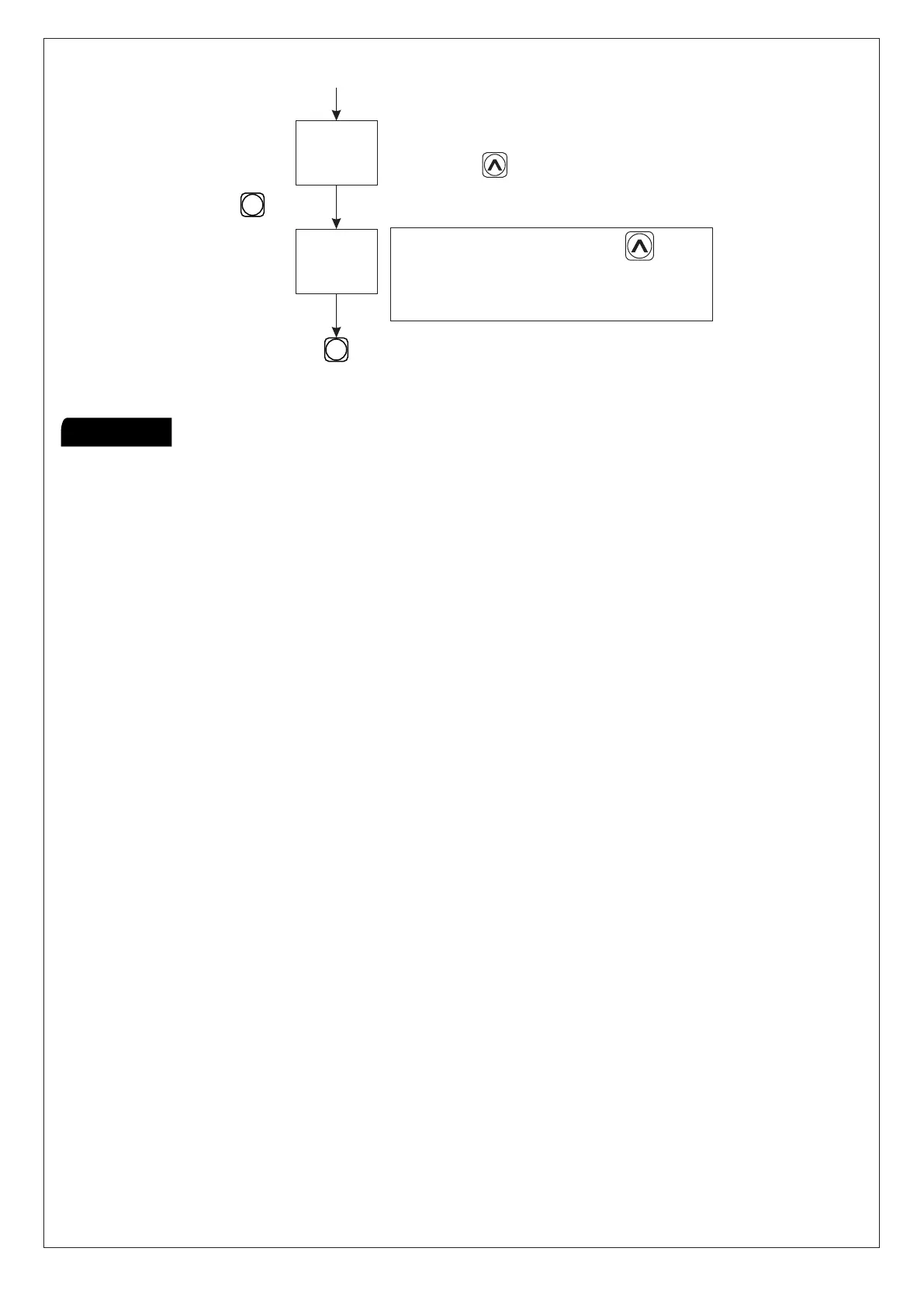
Presskey
Presskeytosave&exit
SET
SET
ENT
ENT
Changebykey.
ToshowsovercountYes/No
Changebykey.
SpeedOfcount
SLOW:MAXRPM500
MEDIUM:MAXRPM5000
FAST:MAXRPM15000


 To Next Page