EasyManua.ls Logo

MULTISPAN UTC-4201A - Installation, Maintenance, and Safety; Installation and Maintenance; Safety Precautions and Warnings

MULTISPAN UTC-4201A
4 pages
Print Icon
To Next Page IconTo Next Page
To Previous Page IconTo Previous Page
Loading...
www.multispanindia.com
Page - 2
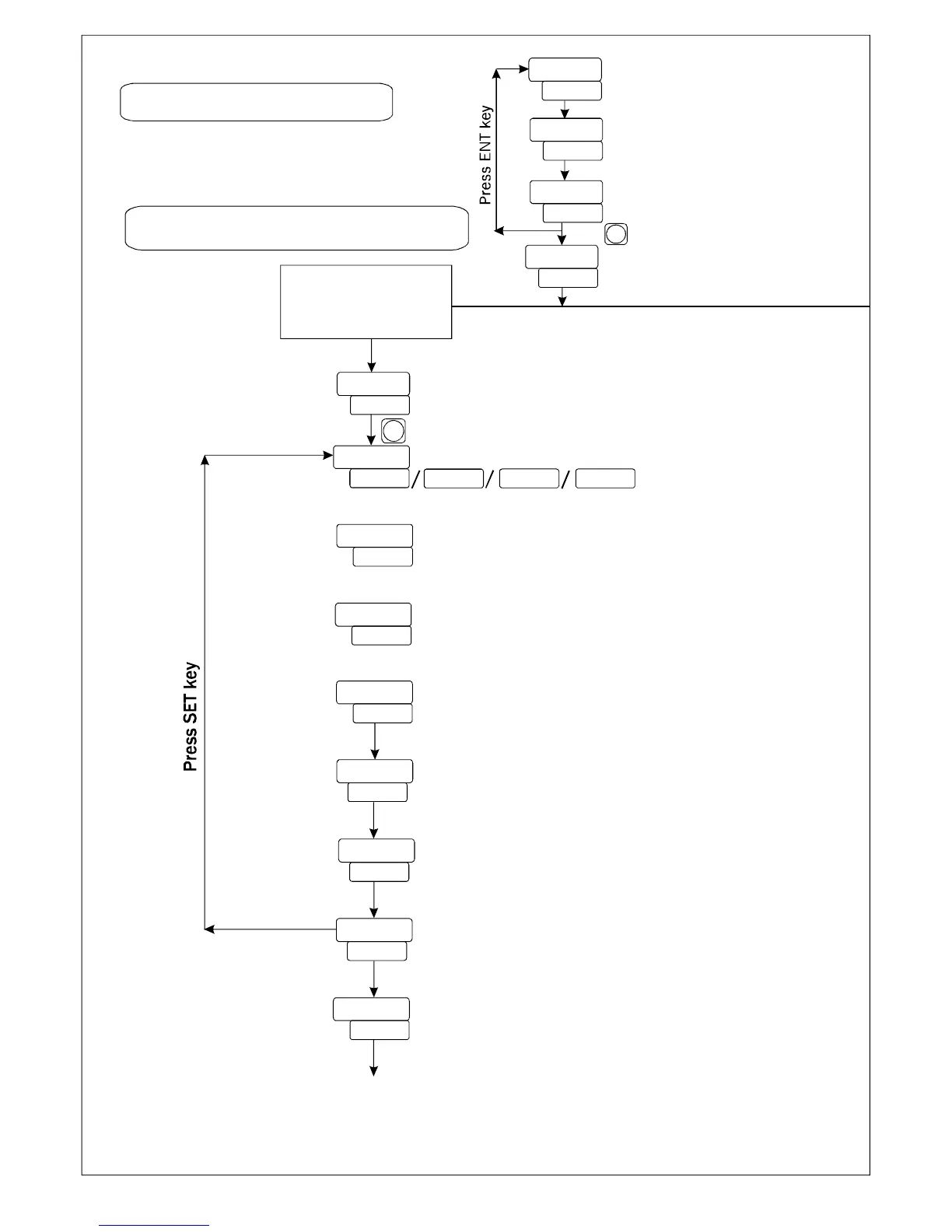
BASIC CONFIGURATION
SET POINT SETTING
SET VALUE
SET POINT-2
SET POINT-1



Password Message




Press key for 5 sec to enter
Password
parameter
SET

PROCESS VALUE

Input ( J / K / Pt100 / Pt.1 )
Control Action
Control Mode
Heat/Cool selectable
Individual / Relative



Password Message
Press ENT key to Save & Exit



  . K
SET
Set Point Low Limit
Set Point High Limit
H-AL,L-AL,Inband,Outband, OFF Selectable






OFF-SET


TO ENTER BASIC
CONFIGURATION
SETTING, ENTER “73”



Other manuals for MULTISPAN UTC-4201A