Chapter 4: Client Installation
Multi-Tech Systems, Inc. FaxFinder Admin User Guide 65
B. At the Welcome screen, click Next.
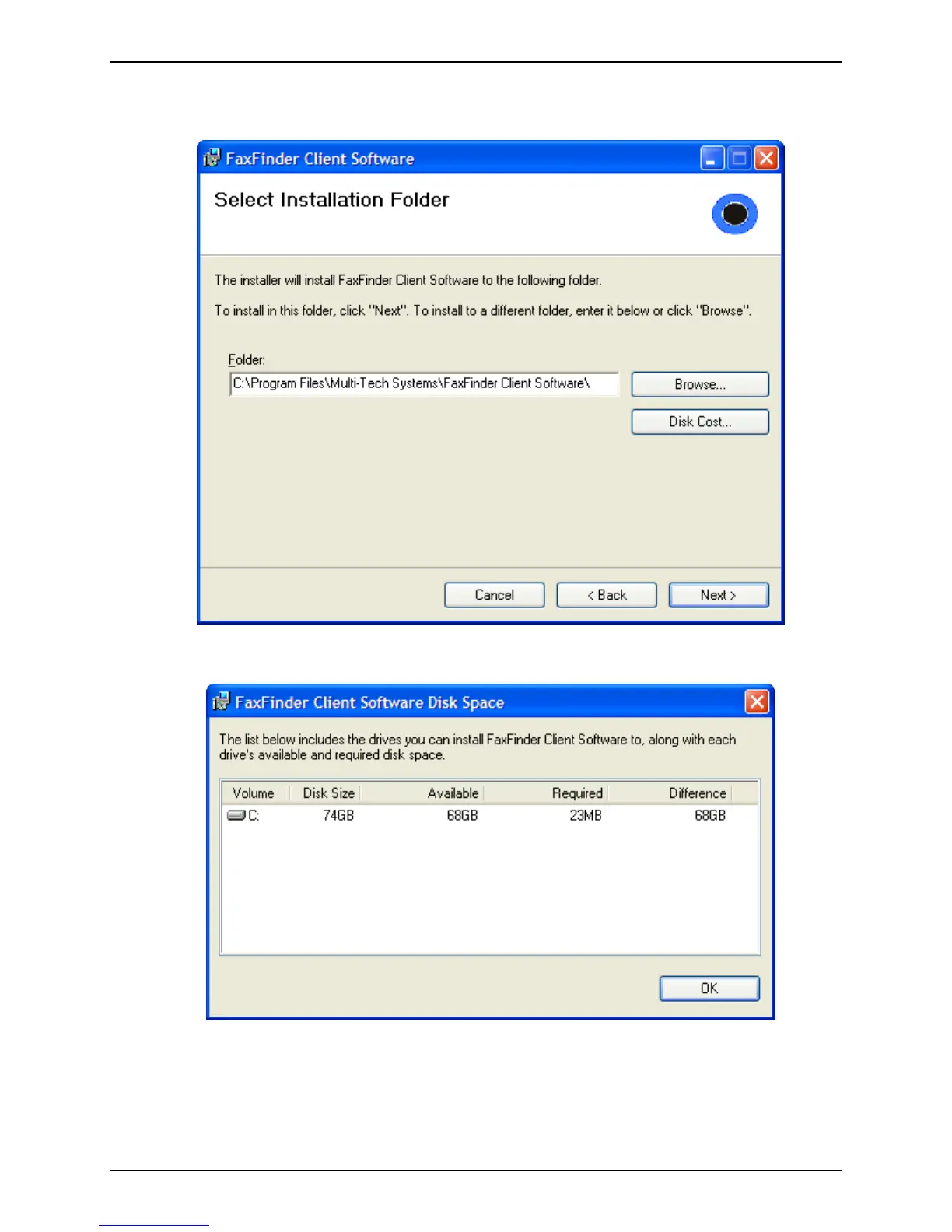
C. At the Select Installation Folder screen, browse to the desired file location for the FaxFinder
client software. In most cases, the default file location is recommended.
Clicking on the Disk Cost button will show you the size of the software being installed as well as the
available disk space of the target drive.
When the destination location is correct, click Next.



 To Next Page