Chapter 4: Client Installation
Multi-Tech Systems, Inc. FaxFinder Admin User Guide 66
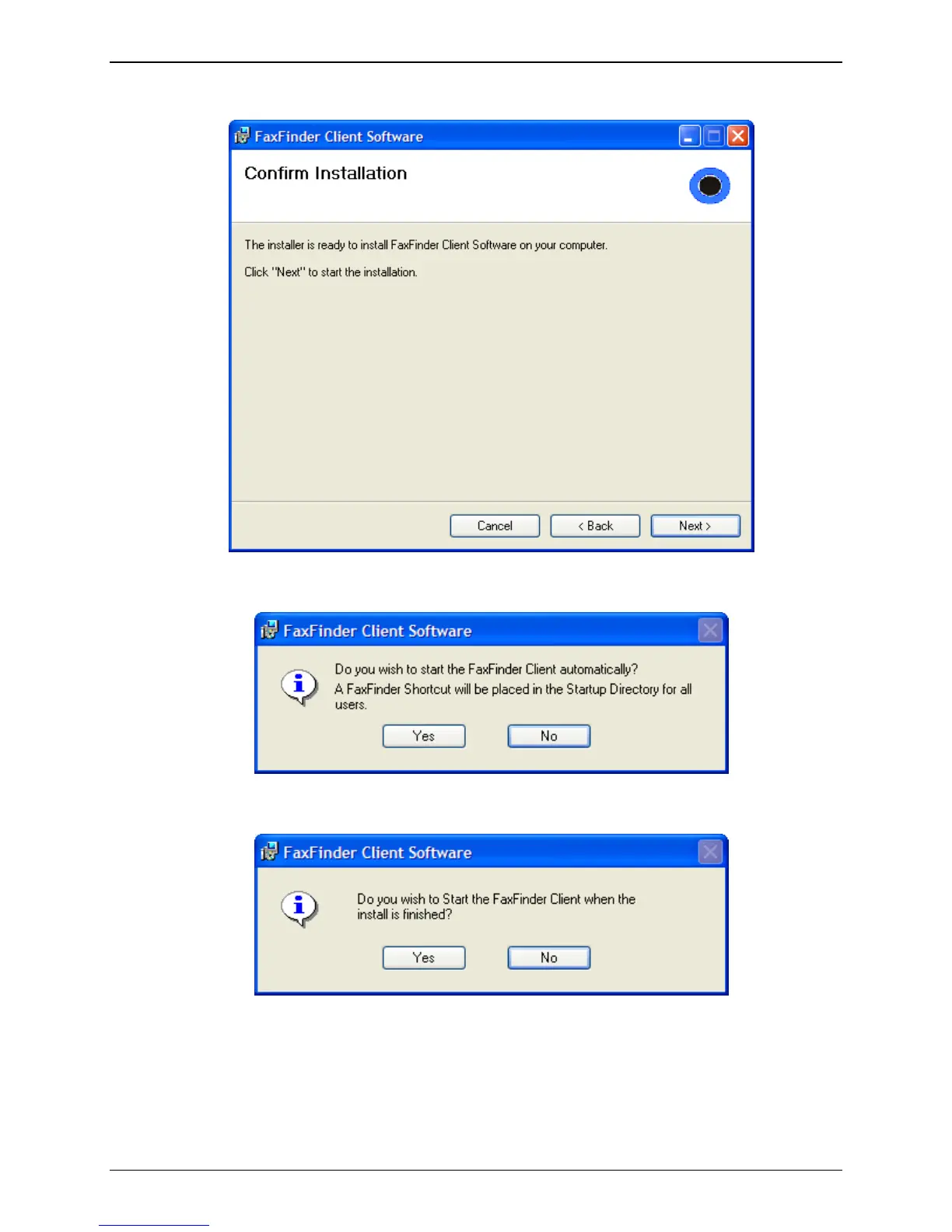
D. At the Confirm Installation screen, click Next to begin the installation.
A transient screen (“Installing FaxFinder Client Software”) will appear while files are being
copied.
E. The FaxFinder Client software can place a shortcut in the Startup directory so that the client
software will start automatically when the PC is booted.
F. You will be asked if you want the Client software to automatically launch when the installation is
complete. Select your preference.



 To Next Page