Chapter 4: Client Installation
Multi-Tech Systems, Inc. FaxFinder Admin User Guide 67
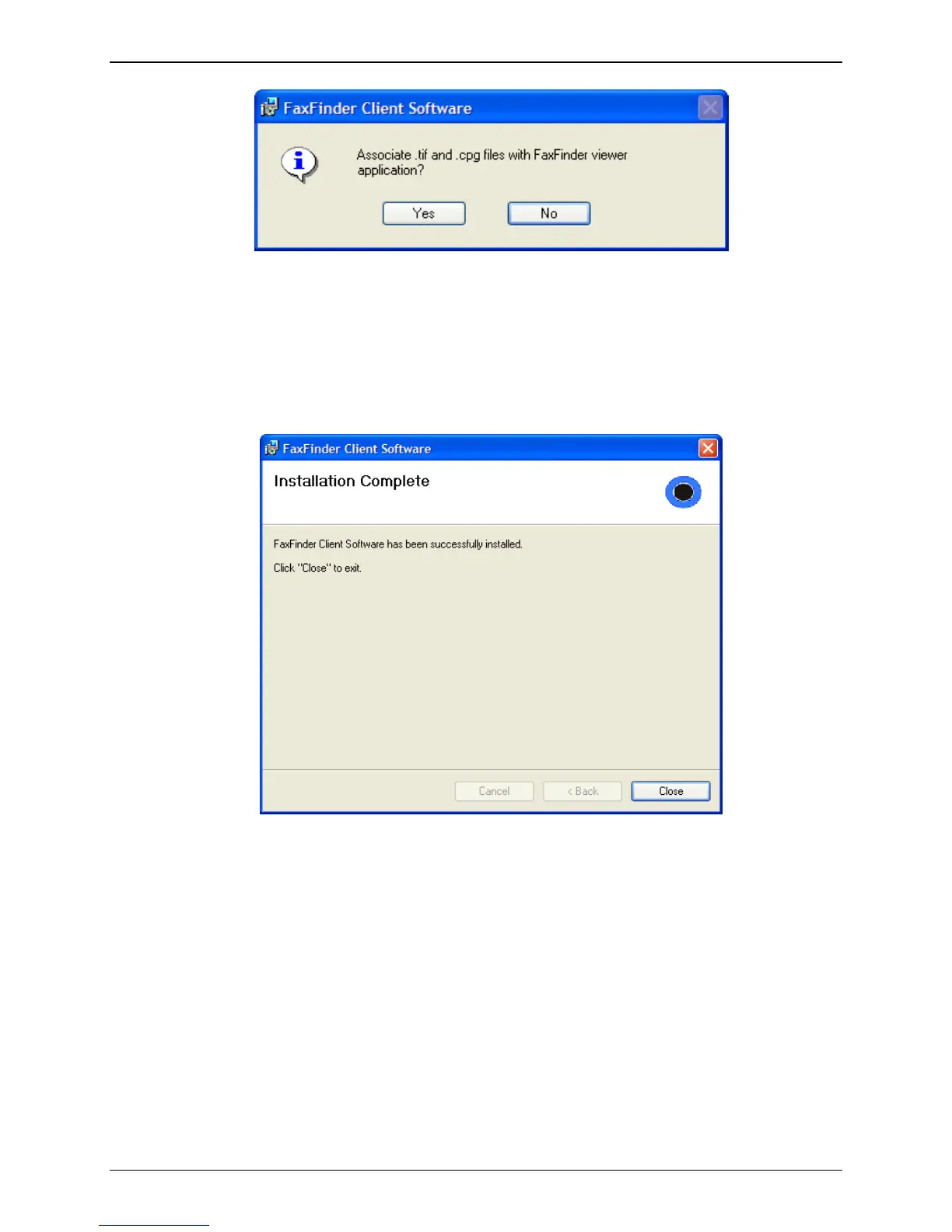
G. You will be asked whether or not you want to associate .tif and .cpg files with the Multi-Tech Tiff
Viewer. Click Yes (unless you prefer to use a different viewer program). The .cpg files become
associated with the Cover Page software that is used with the FaxFinder x20 model series only.
If a Question screen appears asking "Warning - the extension .tif is already registered,
Overwrite?”; click Yes if you wish to use the TIFF viewer installed with the FaxFinder Client
Software. Click No if you prefer to leave the current association for viewing .tif files.
H. Then the Installation Complete screen will appear.
Click the Close button.
If you chose ‘Yes’ above to have the client software start after installation, you will see the
application icon down in your System Tray. Click on the icon and select “show FaxFinder Client
software” to use the program.



 To Next Page