3
b)DOOR NR (ASSIGN DOOR PANEL NUMBER)
If there are more than one door in a block you need to assign door number to each door panel .Place the
cursor on DOOR NR using up (2), down (8) keys on the program menu and press ENT key.
Assign the door number using up (2), down (8) keys then press ENT.Maximum door number may be 4.
c)ENTER NAMES ( ENTERING ROOM NAME)
Place the cursor on ENTER NAME pressing the up (2), down (8) keys at the program menu and press
ENT key.Then , enter the name as followings:
NO: Enter the flat number with keypad and press ENT key and go to the name section.
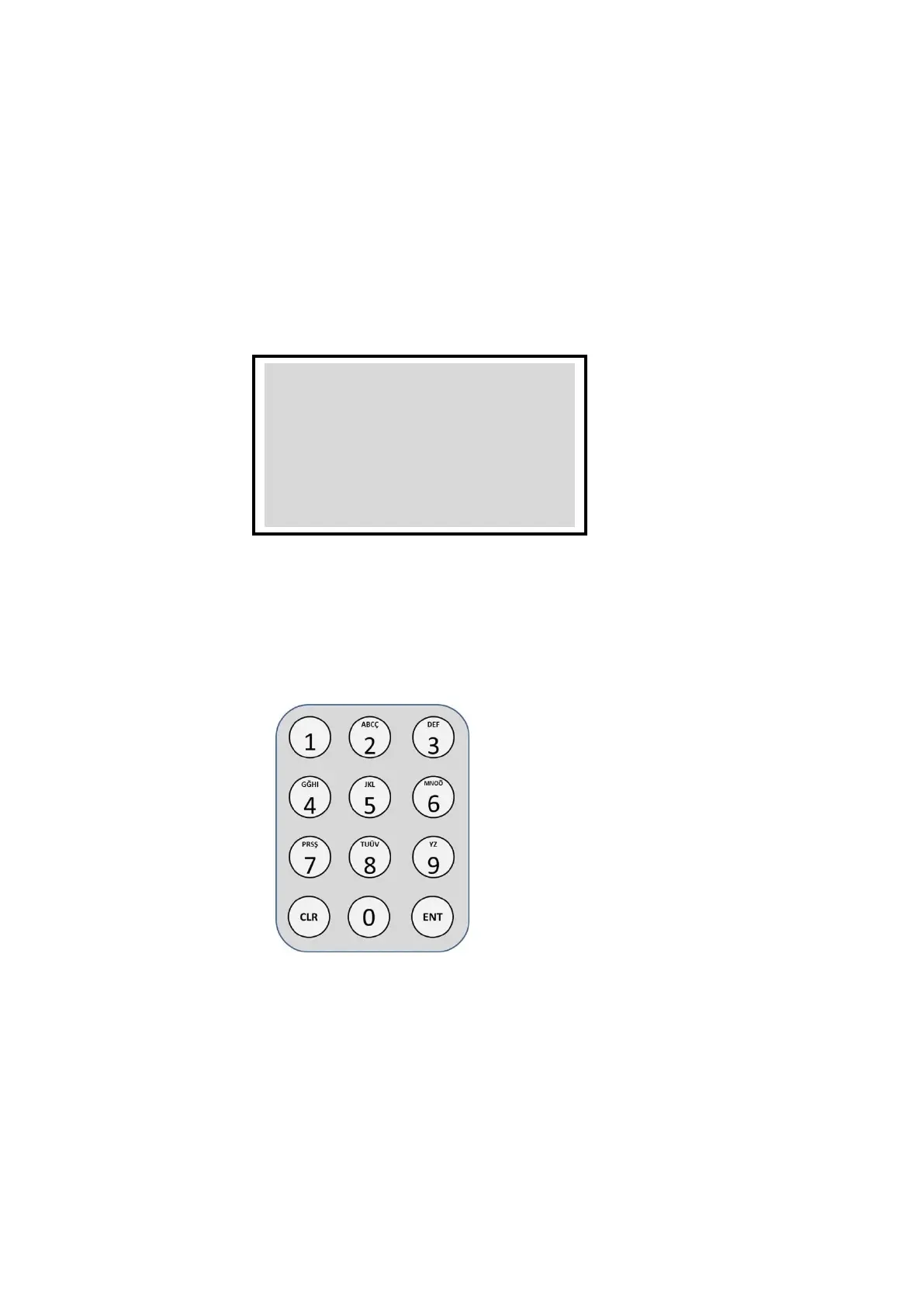
AD: You can write the room name with the keypad selecting the letters given in the keypad below.
Then press ENT. Door panel will return to the main screen and the name will be registered.
d) CLEAR LIST (TO DELETE THE NAME LIST)
Place the cursor to CLEAR LIST using up (2), down (8) keys and press ENT key. All names will be
deleted from the list.
e) BLOCK NO (DEFINING THE NUMBER OF THE BLOCK)
The system may be used with many blocks of apartments and one guard.When the guard calls the rooms
he should know/dial the block number and the room number.Because of that ,the block number may be
needed to enter to the first door panel.
By using the up (2), down (8) keys on the menu BLOCK NO is selected. ENT is pressed and the


 To Next Page
 Loading...



