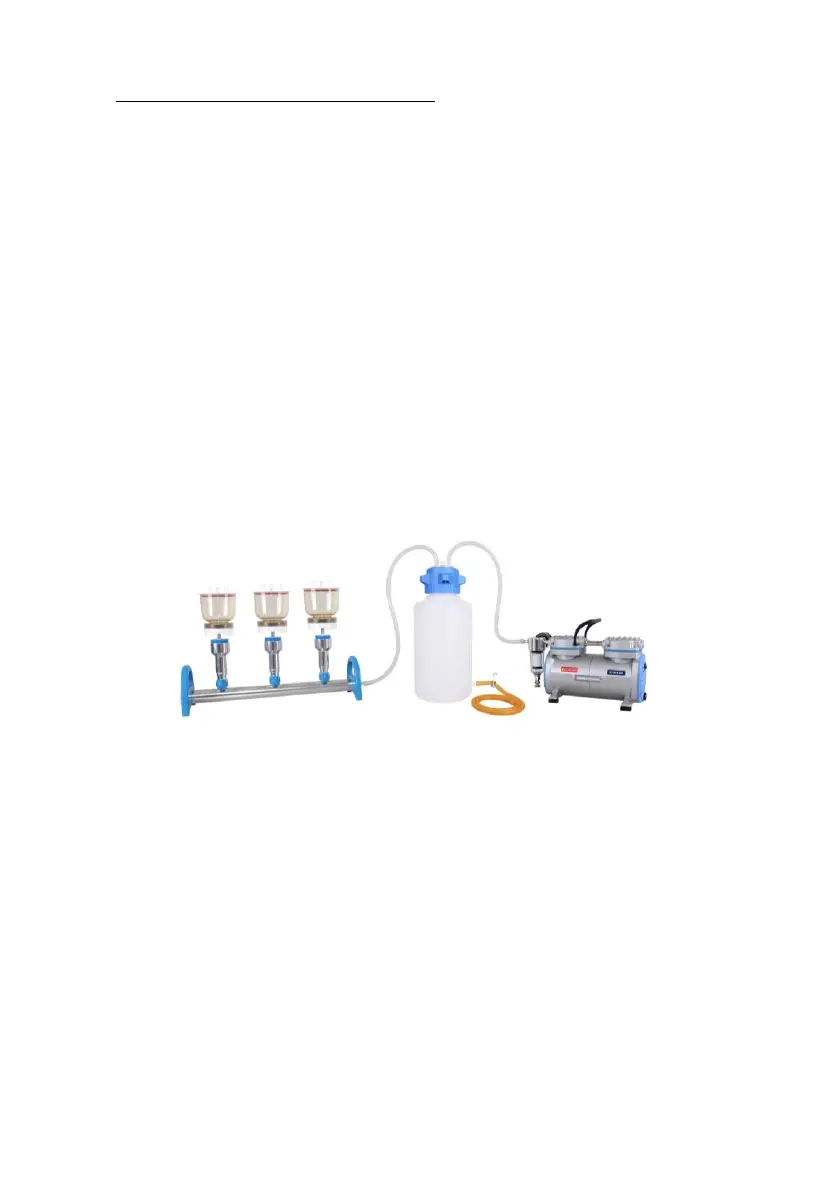
Vacuum filtration system Installation (with Oil Free Vacuum Pump)
A. Follow below diagram to install the system: two silicone tubes to connect the
Rocker 400 vacuum pump, waste bottle and manifold.
B. Install the membrane in filter holder as above-mentioned steps.
C. Turn on the pump and pour the sample liquid into the funnel and turn the valve
to “vertical” position to start the filtration.
D. After finishing the filtration, turn the valve to “horizontal” position and retrieval
the membrane.
Vacuum Filtration System Assembly Diagram



 To Next Page