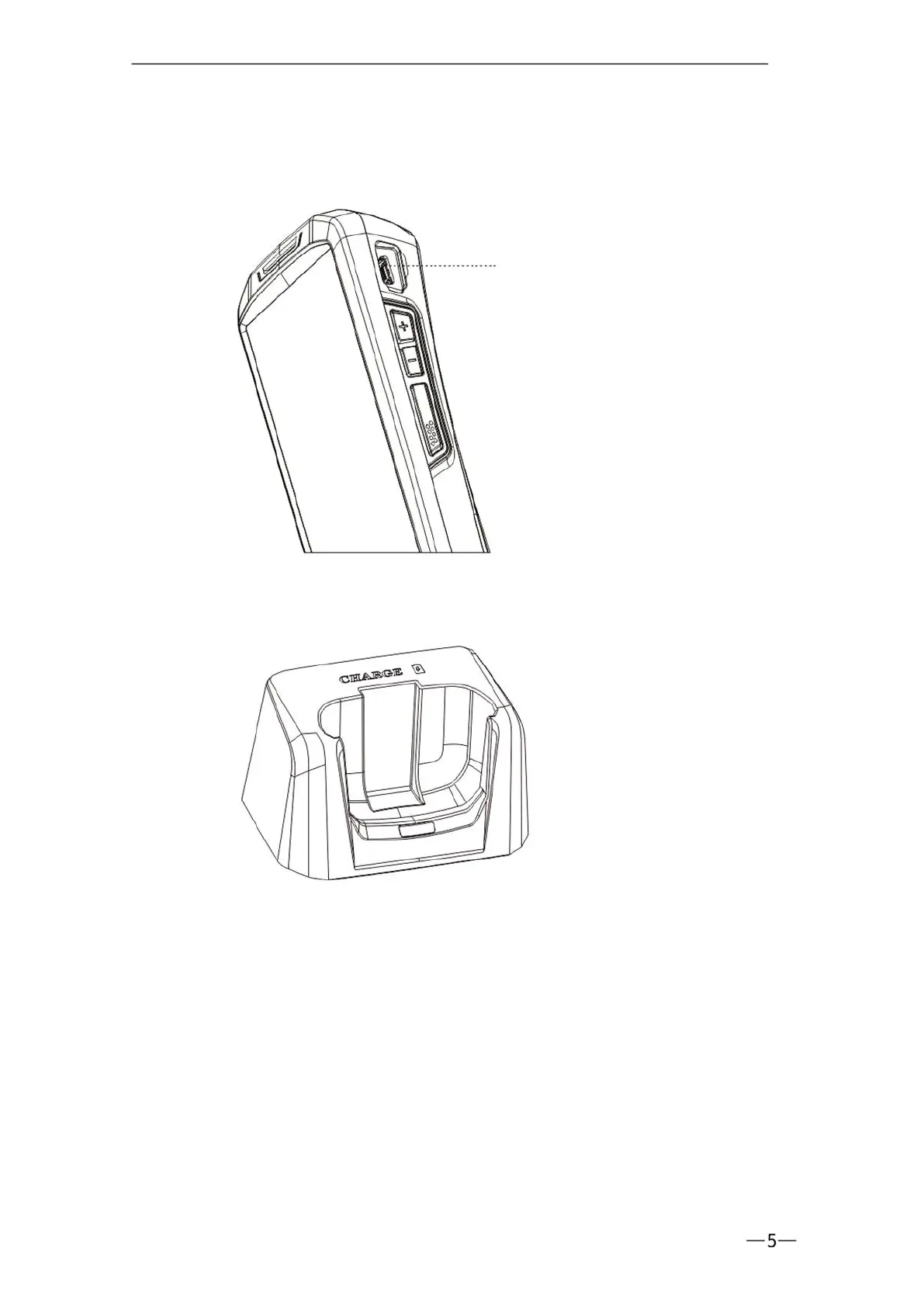
1. The battery can be fully charged after 4 hours of charging,and the standby
time is over 48 hours.
2. Cradle can charge 1 battery and 1 device together.
3. The left indicator light is the battery charging indicator, when the battery is
charging, it's red. It becomes green once fully charged.
4. The right indicator light is the power-on indicator. It's green when power is
on, and it is off when power is off.
* To prevent the battery from being over-consumed, please charge the device
when the battery power is less than 20%.If the battery has been in a
over-comsumption state, please charge the device for 20-30 minutes. Then
it will display a normal charging status.


 To Next Page