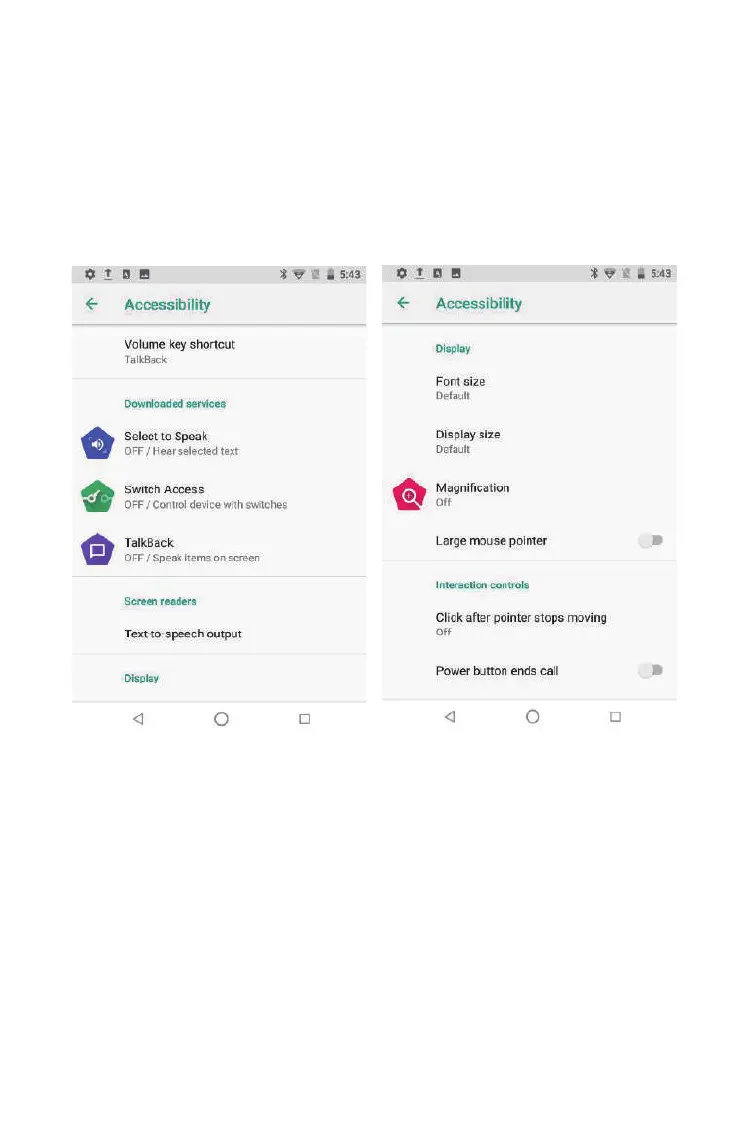
4.2.12 Accessibility
Click with accessibility, for quick settings of personal operation habits,
such as: Caption, magnification gesture, front size, display size, power button
ends call, auto-rotate screen, speak password, color inversion, color correction.
24



 To Next Page