2.3 Driver installation
For the latest driver, please visit:
www.bit.ly/driver130
03
Pro Tips
04
FAQ
FAQ file, please visit:
www.bit.ly/130faq
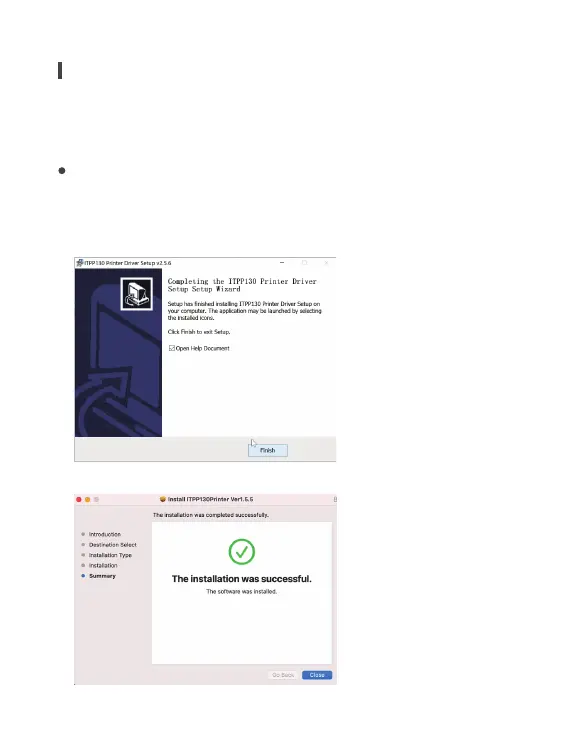
Please run the downloaded software from
the web address indicated above and follow the
prompts to complete installation.
2.3.1 Windows Driver Installation
2.3.2 Mac Driver Installation
Anytime you change your label, run the automatic
label identification.
Press the feeder button on the printer to skip a blank
label.
To run a self-test, press and hold the feeder button
until you hear two short beeps.
To ensure your printing quality, please use MUNBYN labels.
If you use other brands' label paper, please run "automatic
label identification" before printing.
Regularly clean the printer head.
If the paper is jammed and the red light flashes, run
Automatic label identification.
Insert Munbyn into the same USB port on your
computer every time. This will avoid creating duplicate
copies of the printer in your operating system.
0504



 To Next Page