2.2.LabeI setup
Automatic label identification:
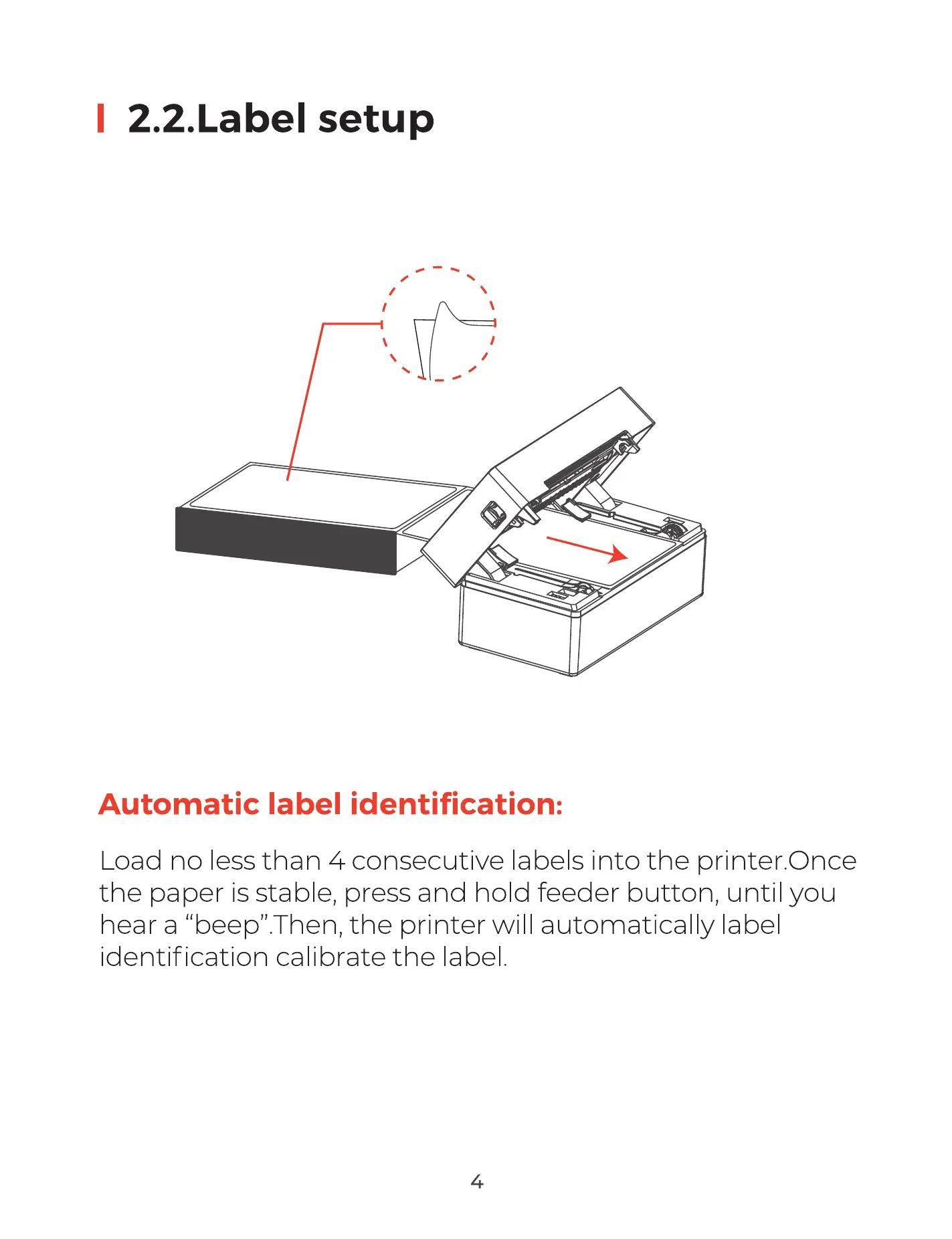
Load no less than 4 consecutive labels into the printer.Once
the paper is stable, press and hold feeder button, until you
hear a "beep". Then, the printer will automatically label
identification calibrate the label
4



 To Next Page