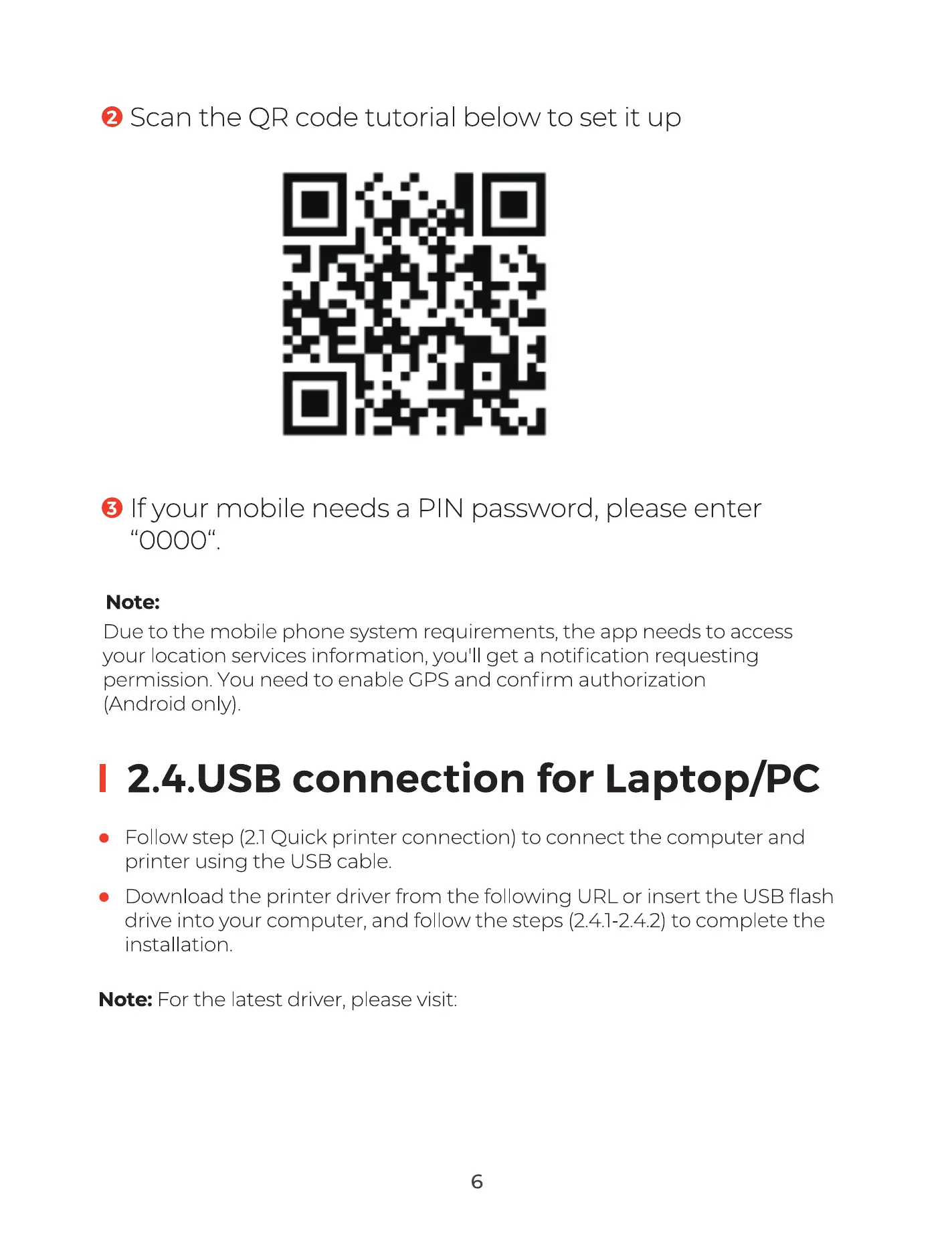
@ Scan the QR code tutorial below to set it up
O If your mobile needs a PIN password, please enter
"0000".
Note:
Due to the mobile phone system requirements, the app needs to access
your location services information, youlll get a notification requesting
permission. You need to enable CPS and confirm authorization
(Android only).
2.4.USB connection for Laptop/PC
Follow step (2.1Quick printer connection) to connect the computer and
printer using the USB cable.
Download the printer driver from the following URL or insert the USB flash
drive into your computer, and follow the steps (2.4.1 2.4.2) to complete the
installation.
Note: For the latest driver, please visit: https://munbyn.biz/130BD
6



 To Next Page