8 Windows driver installation
The mp-PM A3 driver is released for 32 and 64 bit Windows 7 up to
Windows 10 operating systems.
Please note
This driver's installation description is exemplary for freshly installed
Windows systems on which still no Murrplastik driver was installed
before. According to configuration of your own Windows system there
can be low divergences to this description.
The Murrplastik universal driver for plotters, engravers, engraving
option und laser can be found on the Murrplastik homepage as follows:
Homepage: www.murrplastik.de/en/home
Service & Support
ACS labelling
ACS downloads
In the product range field choose
[Labelling systems]
Click on [Search]
Link Murrplastik ACS downloads
Download the driver's archive (*. zip) and extract it on your desktop,
a folder of your hard disk or an USB-Stick.
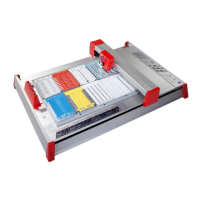
Connect the mp-PM A3 via the USB cable with your computer and
switch it on.
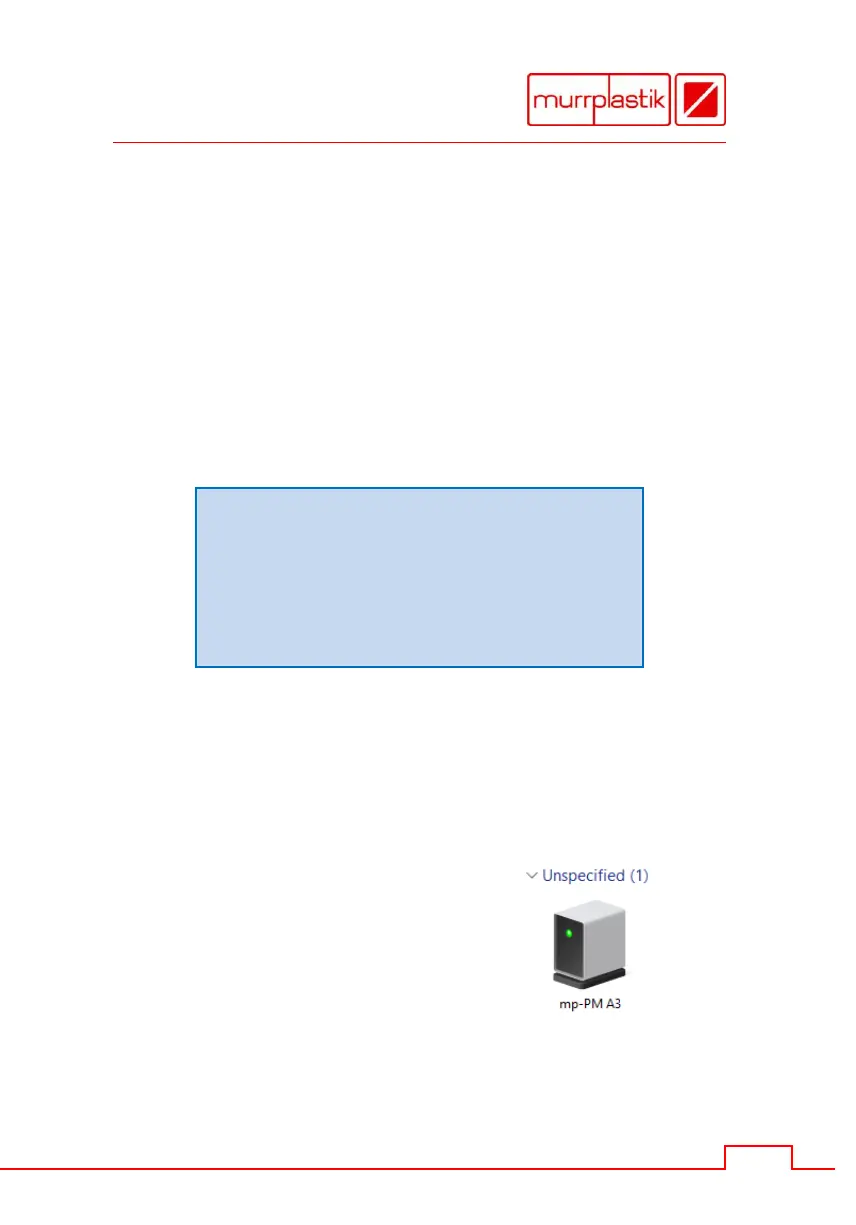
The 'mp-PM A3' is listed in the
'Unspecified' section of the
Devices and Printers window.
Important
Should this not be happen, switch off and on the device again, until the
plotter is performed in the 'Unspecified' section.


 To Next Page
 Loading...