4 Starting up the mp-PM A3
LOCATION
A dry, dust-free room is the ideal environment for the plotter. If
possible, do not install the device in damp or very dusty areas. Do not
expose the system to direct sunlight. Please ensure that the
connections on the right-hand side of the device are accessible at all
times. Position the mp-PM A3 firmly on the work surface where it is to
be used, ensuring it is level.
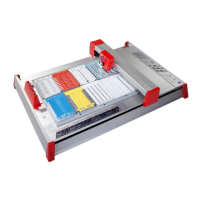
Please ensure that the writing arm can move freely and is not
obstructed by other objects.
CONNECTIONS
Plug the device into a correctly installed mains socket using the power
supply included with the product. The power supply features a variable
AC input voltage of 100-240 V AC / 50-60 Hz. The power connection
can be replaced by way of adapter plugs.
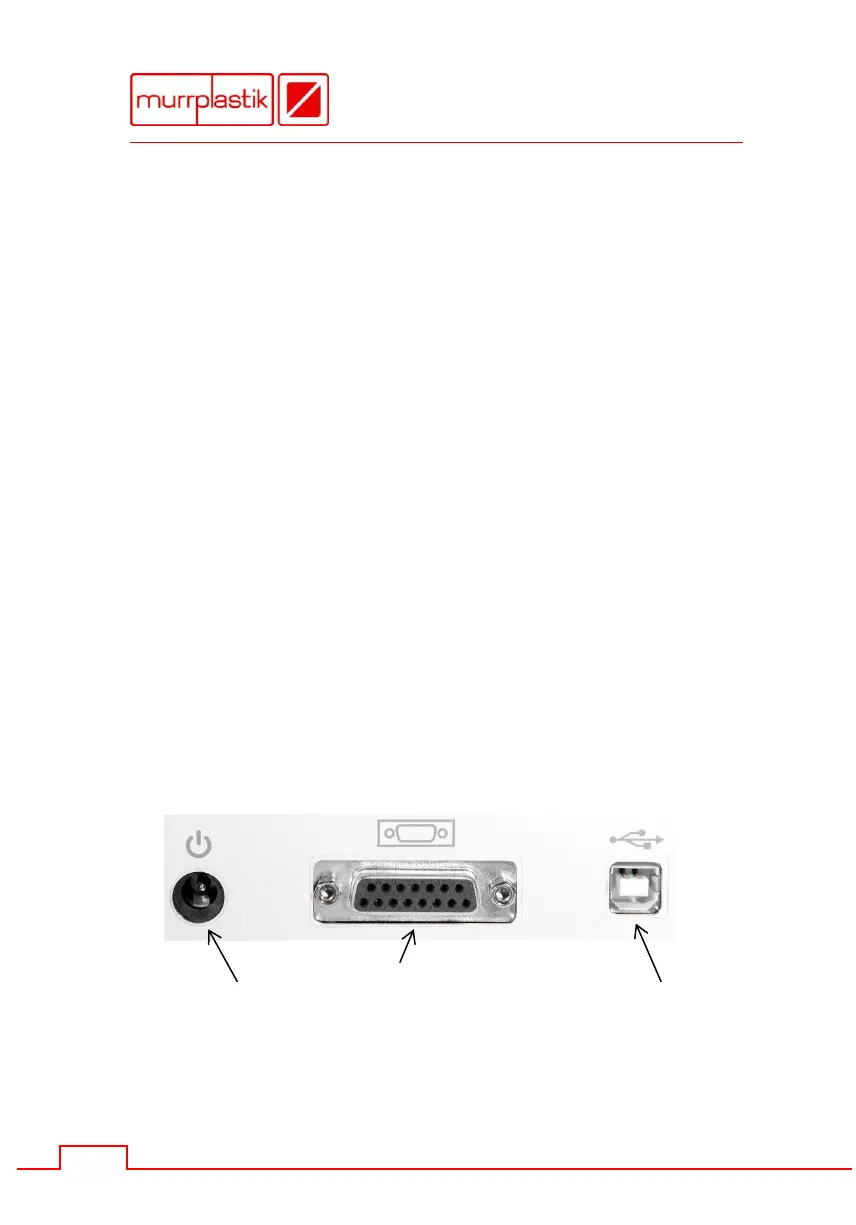
Plug the connector from the output cable on the power supply into the
top right-hand side of the plotter. Then hook up the device using the
provided USB data cable. The respective ports are located on the top
right-hand side of the mp-PM A3.
Ports located on the back side


 To Next Page