GB - 9 GB - 10
MAINTENANCE
BLUETOOTH AUDIO
The unit supports Bluetooth audio function. If your mobile phone can play stereo music, when
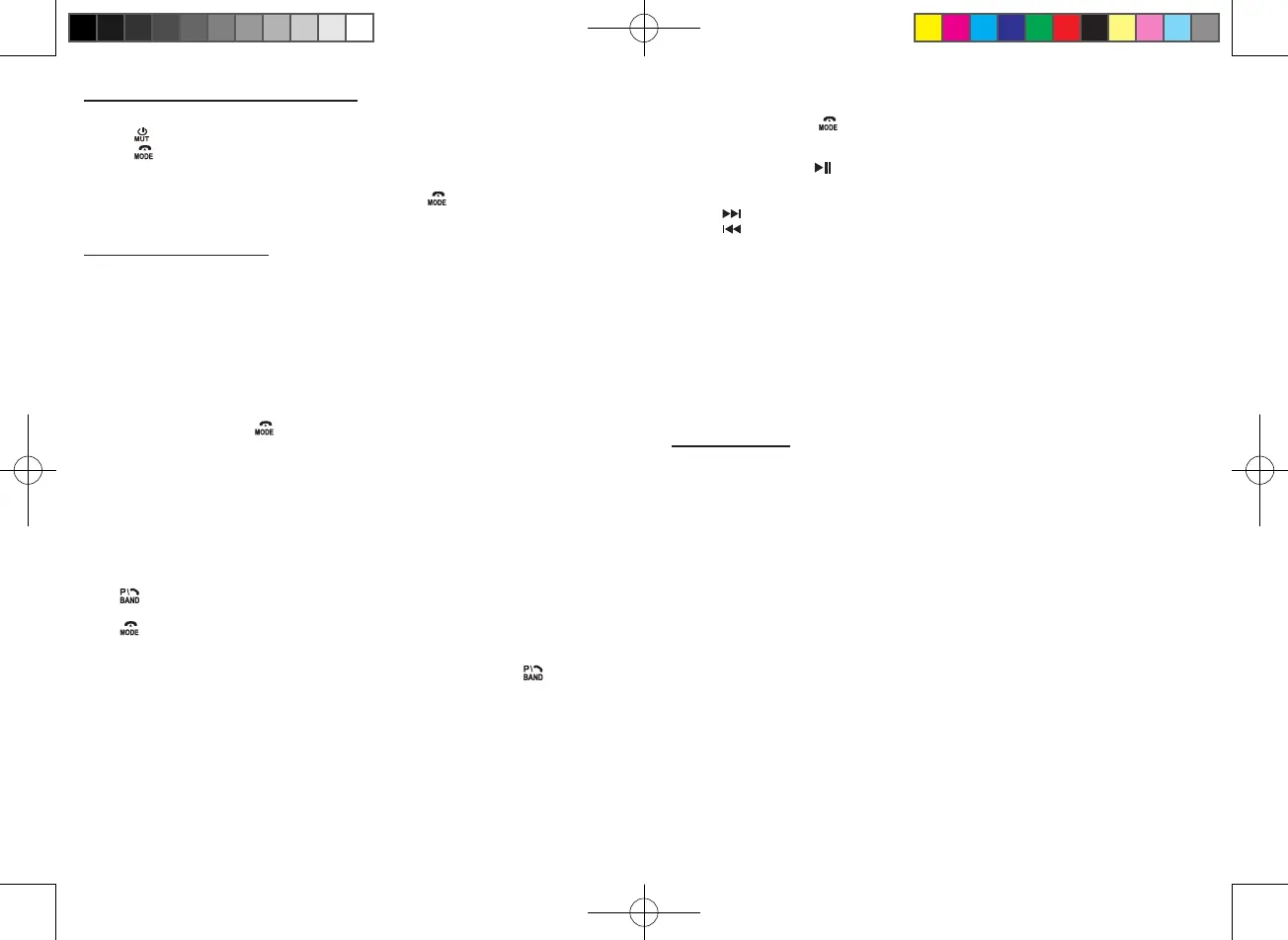
pairing successful, press to access Bluetooth audio mode, “MEDIA” appears on display.
The audio le in your mobile phone starts to play via the car radio.
Play/pause: Press the 1/ button to pause playback. Press again to resume playback.
Skip to next or previous track:
1. Press to skip forward to next track.
2. Press to play the previous track.
Notes:
- This system will not operate or may operate improperly with some Bluetooth mobile phones/
audio players.
- There are many mobile phones in the market. We cannot guarantee the compatibility of all
mobile phones together with the unit.
- If you found the conversation is not clear, try to move closer to the microphone.
Hereby, NEW ONE S.A.S, declares that this MUSE M-199 DAB is in compliance with the
essential requirements and other relevant provisions of Directive 2014/53/EU. The declaration
of conformity may be consulted at www.muse-europe.com
Precaution
- Clean the front panel with a soft cloth, or damp chamois leather. Never use solvents.
- Do not expose to rain or water;
- Do not drop or apply shock.
- Make sure that you keep your set away from high temperatures.
- The use of apparatus in moderate climates.
- Do not be exposed to dripping or splashing, and that no object lled with liquids, such as vases,
shall be placed on the apparatus.
- No naked ame sources such as lighted candles should be placed on the apparatus.
Replacing the Fuse
Make sure the amperage matches the specied value when replacing the fuses. If the fuse is
blown, check the power connection and replace with a new one. If the same problem occurs,
it would be subjected to the malfunction in-house. In such cases, please consult the nearest
service dealer.
LISTENING TO AUXILIARY SOURCE
BLUETOOTH FUNCTION
1. Connect your auxiliary source (e.g. mp3 player) to the AUX jack.
2. Press button to turn the unit on.
3. Press to select AUX mode.
4. Start playback from your auxiliary source.
5. Adjust the volume to desired level.
6. Disconnect your auxiliary source from the Aux jack, press button to select other source.
The Bluetooth
®
word mark and logos are registered trademarks owned by Bluetooth SIG, Inc.
and any use of such marks by New One S.A.S is under license. Other trademarks and trade
names are those of their respective owners.
• Before operate the Bluetooth function, make sure your mobile phone supports Bluetooth function.
• For dierent model of mobile phone, Bluetooth emissive power has some dierence. To get
the best conversation quality, it is recommended that the distance between the mobile phone
and the unit is within 3 meters (Max.10 meters).
• Don’t put any metal object or any obstacle between the path of the mobile phone and the unit.
PAIRING
1. When the unit is ON, press button repeatedly to select BT.
2. On the Bluetooth device, enable Bluetooth and select “M-199DAB” from the Device List. (Refer
to the user manual of the device to be connected for detailed operations.) If the Bluetooth
device prompts for a pass code, use “0000”. Some Bluetooth devices will ask you to accept
the connection. You will hear an indication sound when pairing is successful. Then the LCD
of the car audio system will display “BT READY”.
Noted: If you have made Bluetooth connectivity before, a list of the previous search results is
displayed. Select “M-199DAB” and conrm.
Answer/ Reject a call
When there is incoming call, the phone number appears on display.
Press to answer a call, “TALK IN” will appear on the display. Rotate volume knob to adjust
the BT VOL.
Press to reject a coming call.
Dialing a Phone Call
To redial the last number retained in the memory of the mobile phone, press the button twice.
Notes:
• Re-dialing function is unavailable if there is no dial record feature in your mobile phone.
• If the conversation is not clear, try to move closer to the microphone.
Transfer the call between mobile phone and the unit
During the talking mode, you can press and hold “2/INT“ button to transfer the phone call between
the mobile phone and the unit. When making an outgoing call, it's not possible to transfer if the
call is not being answered yet.
AR-3736D IB MUSE 001 REV1.indd 12 2019/10/17 15:17:22


 To Next Page