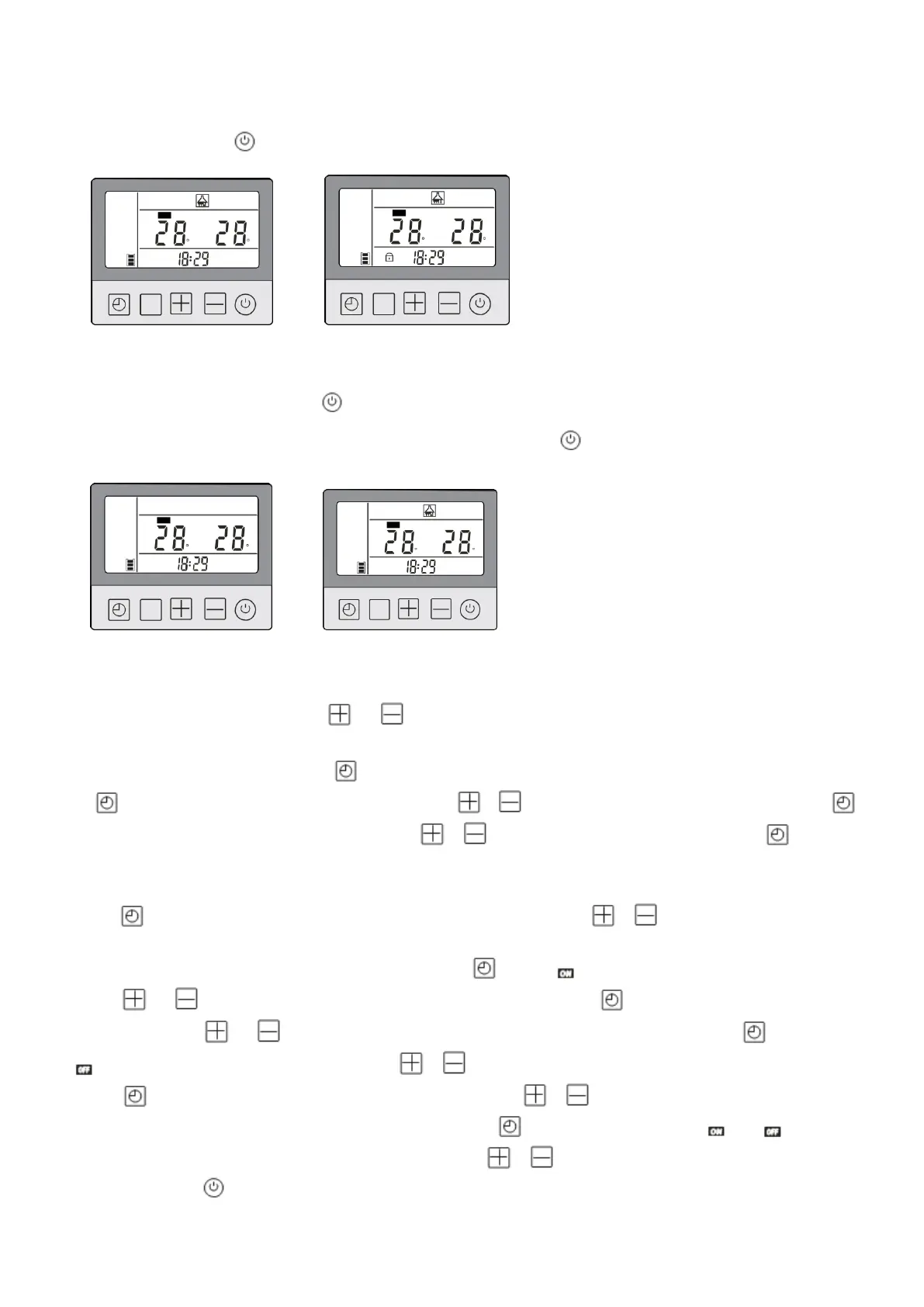
2. Operation of wired controller
2.1 Keyboard lock/unlock
If there's no operation within 1 minute, the controller will switch to lock automatically.
Please long press for 5s to unlock.
Keyboard unlocked
2.2 Unit ON/OFF
Keyboard locked
Under the stand-by mode, press for 1s to turn on the unit, the current mode would be shown on
the wire controller, the unit would run under such mode. Press again to turn off the unit.
Unit OFF
Unit ON
2.3 Set temperature adjustment
Under the heating mode, press or to adjust the set temperature for heating.
2.4
Time setting
Under the main interface, press for once, the clock setting would flicker, then short press
once, the hour setting would flicker, press
or
to adjust hour. After that, short press
once, the minute setting would flicker, press
or
to adjust minute. Then short press
once
to
finish time setting.
2.5 Unit timing ON/OFF setting
Press 5 second, "1" on the controller would flicker, press or to select "1" or "2".
"1" is timing ON/OFF of phase 1, and "2" is timing ON/OFF of phase 2. The flickers of
icon refer to your selection. Then short press once, and hour will keep flashing,
press or to adjust hour of timing ON, then short press once, the minute will keep
flashing, press or to adjust minute of timing ON. And then short press
once,
and hour will keep flashing, press or to adjust the hour of timing OFF, then short
press once, the minute will keep flashing, press or to adjust minute of timing
OFF. After all those settings above, short press once, the flashing of and refer to
the finish of one group of timing setting. Press or to continue setting other timing
groups. Press to quit timing setting if no need for other timing groups.



 To Next Page