En 16
Changing the Quality Setting
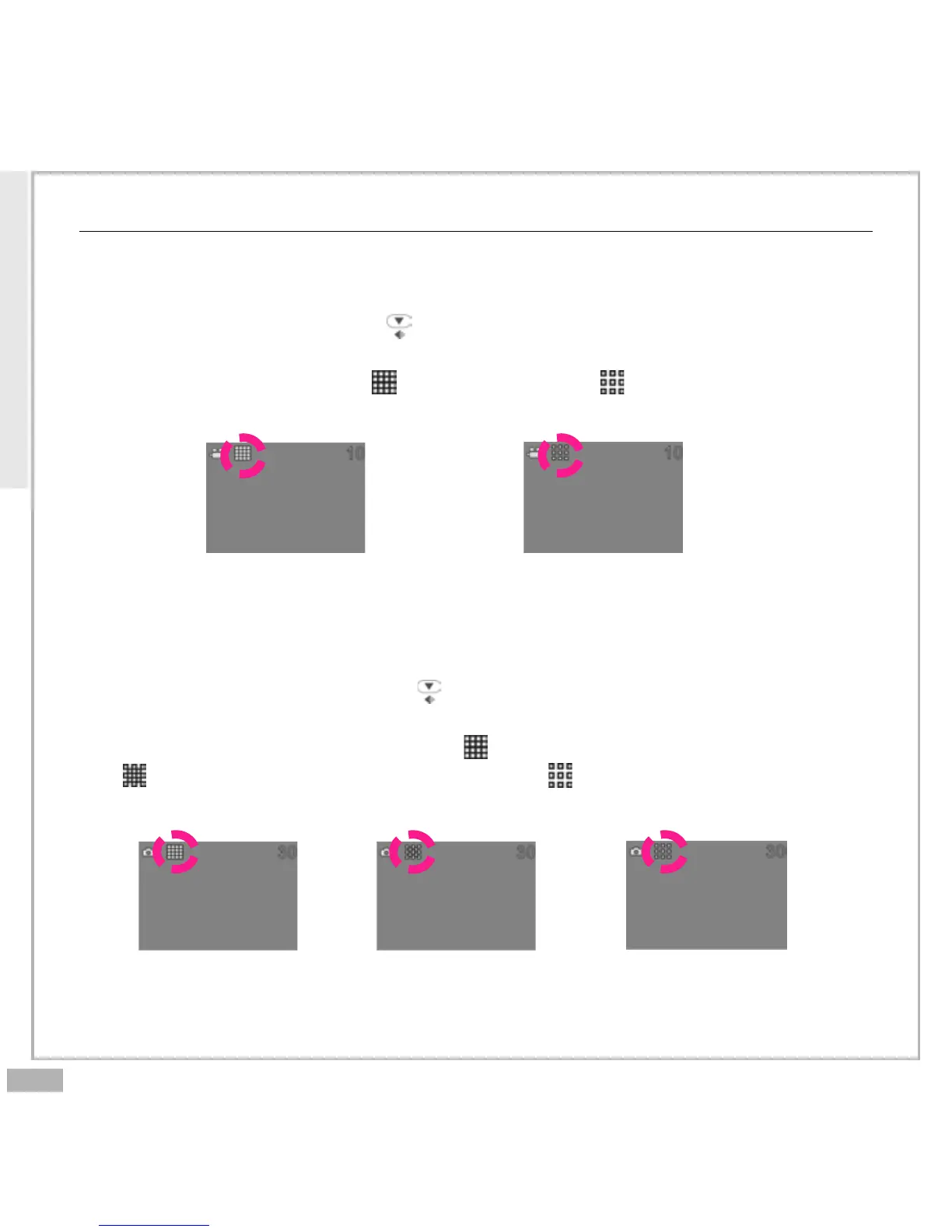
Movie Recorder Sub-Mode
You can change the movie’s quality setting whenever you want.
1. In Movie Mode, press the button.
2. The LCD will display your current quality setting on the top left
corner. Which could be “ ” for fine quality, “ ” for normal quality.
Camera Recorder Sub-Mode
You can change the picture’s resolution setting whenever you want.
1. In Camera Mode, press the button.
2. The LCD will display your current picture’s resolution setting on the
top left corner. Which could be “ ” for fine resolution (1600 x 1200),
“ ” for high resolution (1280 x 960) or “ ” for low resolution (640 x
480).
Fine resolution
(1600 x 1200)
High resolution
(1280 x 960)
Low resolution
(640 x 480)
Fine quality Normal quality
Main Functions



 To Next Page