En 8
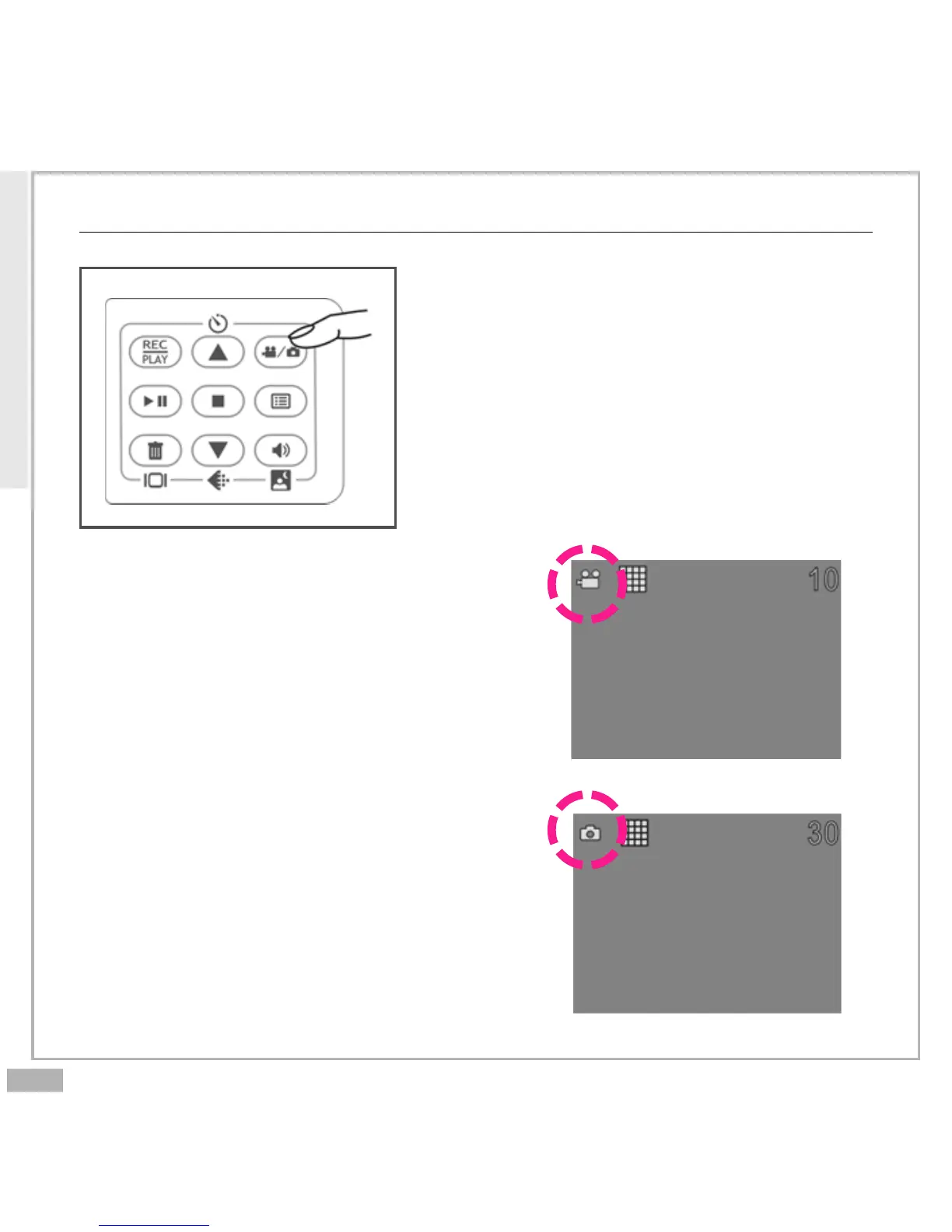
Mode Switch Button
Press the Mode Switch button to switch
between two primary modes:
Movie Mode
When powering on your Digital Video, it
will be in Movie Mode.
Camera Mode
You can press the Mode Switch button
to shift to Camera Mode. Press the Mode
Switch button again to return to Movie
Mode.
Getting Started



 To Next Page