190
XPJ-1462UF
Operation Manual Operations and Maintenance Methods
Before Use
Various
Settings
Setup
Maintenance
Basic
Operations
When problems
occur
Advanced
Operations
Appendix
190
XPJ-1462UF
Operation Manual Operations and Maintenance Methods
About Maintenance
Printer maintenance
Wearing protective
equipment
Replacing consumable parts
Agitating ink
When not using the printer
for a long period of time
Checking ink level and
replacing ink
Empty the waste ink tank
Daily maintenance at
the end of work
Moving or transporting printer
About Maintenance
Printer maintenance
Wearing protective
equipment
Replacing consumable parts
Agitating ink
When not using the printer
for a long period of time
Checking ink level and
replacing ink
Empty the waste ink tank
Moving or transporting printer
Perform a daily maintenance
1. Clean the UV-LED lamp
CAUTION
The UV-LED lamp may get hot after printing.
Allow the lamp to cool down for 10 minutes after printing and then start maintenance.
1
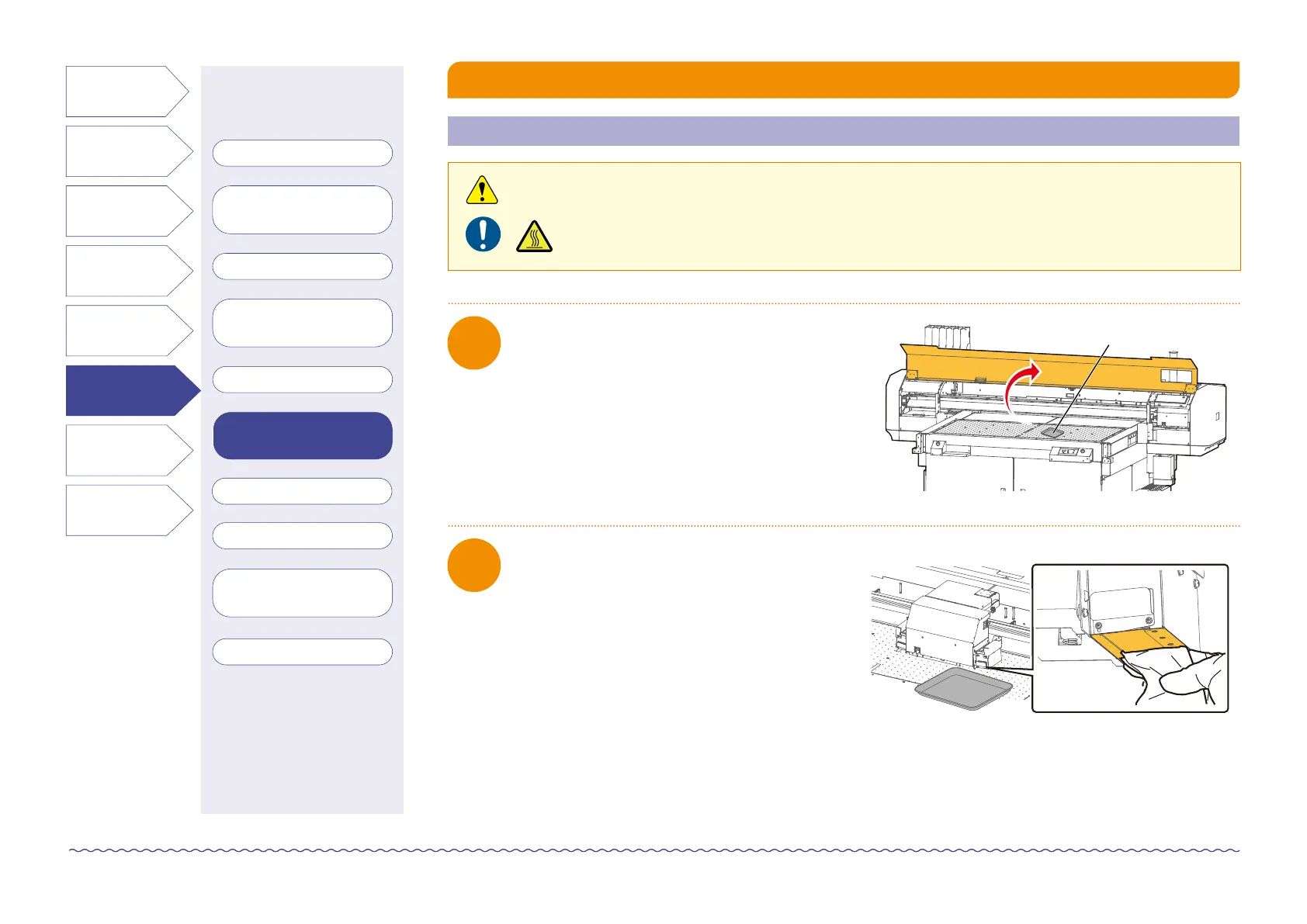
Open the front cover.
2
Look at the bottom of the UV-LED lamp and wipe
off any dust or ink with a paper towel.



 To Next Page