6
English
2. Register
If you do not have an account, you will have to create
it from the application itself. Open the app, click on
“Create account”, the system automatically recognizes
your country, if it is not the correct one, please modify it.
Enter your email address and click on “Get verification
code”, after a few seconds you will receive an email
at the same address with a 6-digit PIN code. Copy it
and then you will have to enter a password of 6 to 20
characters to create the account; then click on “Save” to
complete the registration.
• If this does not work, put both earphones back in
the case, close it and open it again.
3. Open the Bluetooth settings on your Smart device
and search for the earphones named “G95”.
USE OF THE APPLICATION
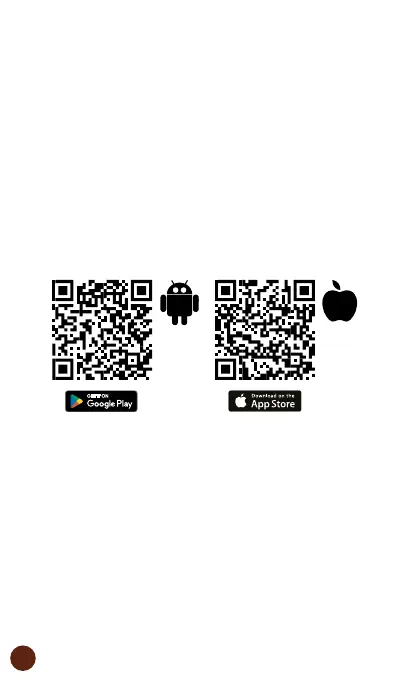
1. Download the “muvit iO Home” application.
To download the app, you can scan the QR code below.
You can also search for “muvit iO Home” in the App
Store or Google Play.



 To Next Page