EasyManua.ls Logo

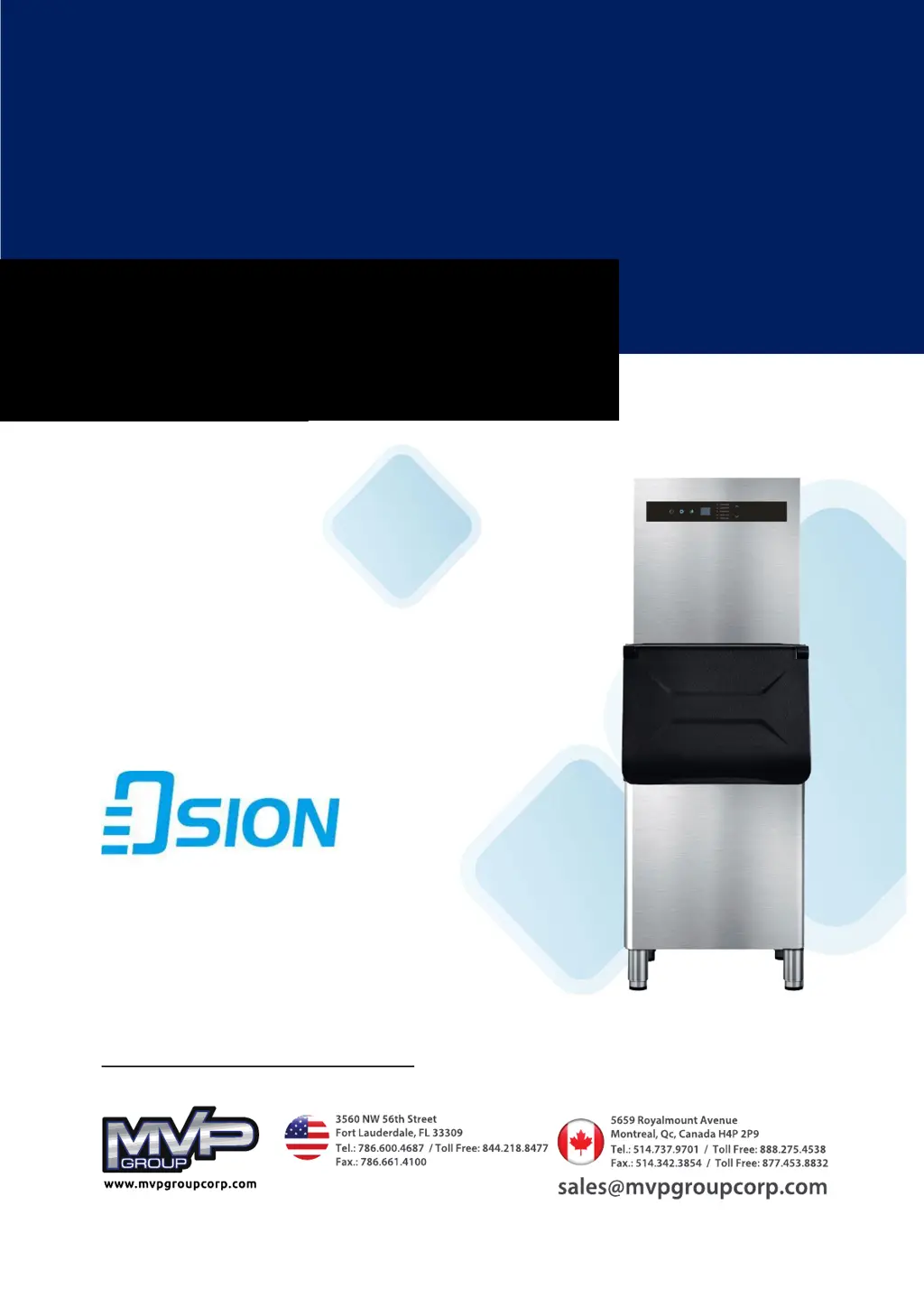
MVP OSION OCM-350 - User Manual

Default Icon
16 pages
Print Icon
To Next Page IconTo Next Page
Loading...
1
Commercial Ice Makers
USER INSTALLATION & MAINTENANCE MANUAL
OSION MODULAR MODELS: OCM350, OCM500, OCM-1000

Questions and Answers

Overview

This document is a user installation and maintenance manual for Commercial Ice Makers, specifically the OSION Modular Models OCM-350, OCM-500, and OCM-1000, manufactured by MVP Group.

The primary function of these devices is to produce ice. They are designed for indoor use and feature touch controls for operation, with an easy-to-read digital display and indicators showing the machine's status.

Important Technical Specifications:

  • Models: OCM-350, OCM-500, OCM-1000
  • Refrigerant: R-290 (flammable, requiring specific handling and disposal)
  • Electrical Ratings (for OCM-350 and OCM-500):
    • OCM-350: 115V, 60Hz, 800W, 9.5A
    • OCM-500: 115V, 60Hz, 940W, 10A
    • The manual emphasizes connecting to an independent power source with specified voltage and frequency, noting that voltage fluctuations should not exceed +10% or -5% of the rated voltage.
  • Water Supply Pressure: 0.2psi to 0.8psi (a pressure reducing valve is required if pressure exceeds 0.8psi).
  • Water Inlet Temperature: 40°F to 77°F (5°C to 25°C).
  • Ambient Air Temperature for Operation: 40°F to 104°F (5°C to 40°C).
  • Minimum Clearance: 15mm around the ice maker for proper ventilation.
  • Water Inlet Pipe Diameter: Internal 3/4" connector.
  • Drain Pipe Diameter: Internal 3/4" connector.

Usage Features:

  • Touch Control Panel: Allows users to operate the ice machine by lightly tapping control buttons.
  • Digital Display and Indicators: Provides real-time status updates including:
    • Ice making cycle time (minutes)
    • Water clean time (minutes)
    • Countdown time until ice maker starts (hours)
    • Error codes
    • Standby mode
    • Indicators for Start & Standby, Set, Water clean, Ice making, Ice harvest, Ice bin full, Error code, Water less, Up, and Down.
  • Ice Production: Initiated by tapping the start/standby button for 3 seconds. The button illuminates green, and the ice making indicator turns green. The display shows the ice making time. The machine automatically executes ice making cycles after plugging in and powering up.
  • Water Inlet Filling: Display shows "Co" during water inlet filling.
  • Immediate Harvest: During an ice making cycle, pressing the set button for 5 seconds initiates an immediate harvest cycle.
  • Ice Harvest: After ice production, the machine switches to harvest mode, indicated by a blue ice harvest light. The water pump stops, and the hot gas bypass valve energizes to release ice.
  • Standby Mode: Tapping the start/standby button stops ice production, displaying "Off" and a flashing lamp.
  • Ice Full Detection: The ice maker automatically stops production when the ice bin is full. The ice full indicator lamp illuminates yellow, the button illuminates green, and "FL" is displayed.
  • Water Clean Cycle: Initiated by tapping the clean button for 3 seconds. The clean indicator illuminates white, and "CN" is displayed. The machine rinses itself for about 5 minutes when first started.
  • Delay to Resume Ice Production: Users can set a delay of 0-24 hours for ice production. This feature helps manage ice production and reduce costs. The set button illuminates white, and the start/standby button flashes, displaying the countdown time. Selecting "00" disables the delay.
  • Ice Making Cycle Time Adjustment: The up/down buttons allow adjustment of the ice making cycle time between 0 and 45 minutes, with a default of 16 minutes for maximum production. Recommended cycle lengths vary based on ambient air temperature (e.g., 8-12 minutes for <10°C, 20-30 minutes for 35-42°C).
  • Auto-Lock Feature: The ice machine auto-locks if there's no tap or operation for 30 seconds. To unlock, tap the "power" key for 3 seconds.
  • Compressor Protection: A minimum 3-minute wait is required before restarting the ice maker after turning it off to prevent compressor damage.

Maintenance Features:

  • Exterior Cleaning: Clean the stainless steel surface with a micro-fiber cloth or sponge, following the grain of the steel. Avoid abrasive or metallic products, alcohol, or disinfectants on plastic components.
  • Air Filter Cleaning: The condenser dust filter should be cleaned every 15 days using a soft brush and vacuum cleaner. The rear panel can be lifted out by pushing down a buckle to access the filter.
  • Condenser Cleaning: Recommended every six months by a qualified technician. Disconnect power, remove the rear panel, and clean dirt and dust from the condenser with a soft brush and vacuum cleaner.
  • Water Distributor, Water Tank, and Float Switch Cleaning: These parts should be cleaned routinely (every three months with a citric acid soda power solution) to remove mineral, dirt, and lime scale buildup. The manual also recommends using the machine's water clean program every three days.
  • Troubleshooting Guide: The manual includes a comprehensive troubleshooting section with error codes, symptoms, possible causes, and recommended solutions for common issues like ice damper/full sensor faults, poor cooling, ice harvest overtime, ambient temperature issues, water supply problems, pressure limit issues, and condenser/water temperature sensor faults.

Safety Information:

  • The manual includes "DANGER" and "WARNING" symbols to highlight potential hazards.
  • It explicitly states that installation, repairs, or maintenance must be performed by certified and properly trained technicians.
  • At least three persons or a lifting device are recommended for moving the ice machine.
  • The unit must be kept upright (inclination not exceeding 45°) and not inverted or laid horizontally.
  • A minimum of 24 hours upright positioning is required before plugging in to allow lubricant to precipitate, preventing compressor damage.
  • Flammable objects or liquids should not be kept near the machine.
  • High-pressure water cleaning devices should not be used.
  • The ice machine contains flammable R-290 refrigerant, requiring safe disposal according to local authorities.
  • Mechanical devices should not be used to defrost, and cooling tubes should not be punctured.
  • Unauthorized changes to manufacturer specifications, misuse, abuse, or neglect will void the warranty.
  • Only Original Equipment Manufacturer (OEM) replacement parts from MVP Group should be used.
  • Power plugs must not be bent or damaged, and power extension cords are not recommended due to safety hazards.
  • Failure to clean the condenser can cause component failure and void the warranty.
  • Caution is advised when cleaning the condenser due to sharp edges and pins.

MVP OSION OCM-350 Specifications

General IconGeneral
BrandMVP
ModelOSION OCM-350
CategoryIce Maker
LanguageEnglish

Related product manuals