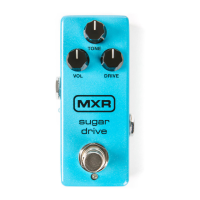
M294 | Sugar Drive 2
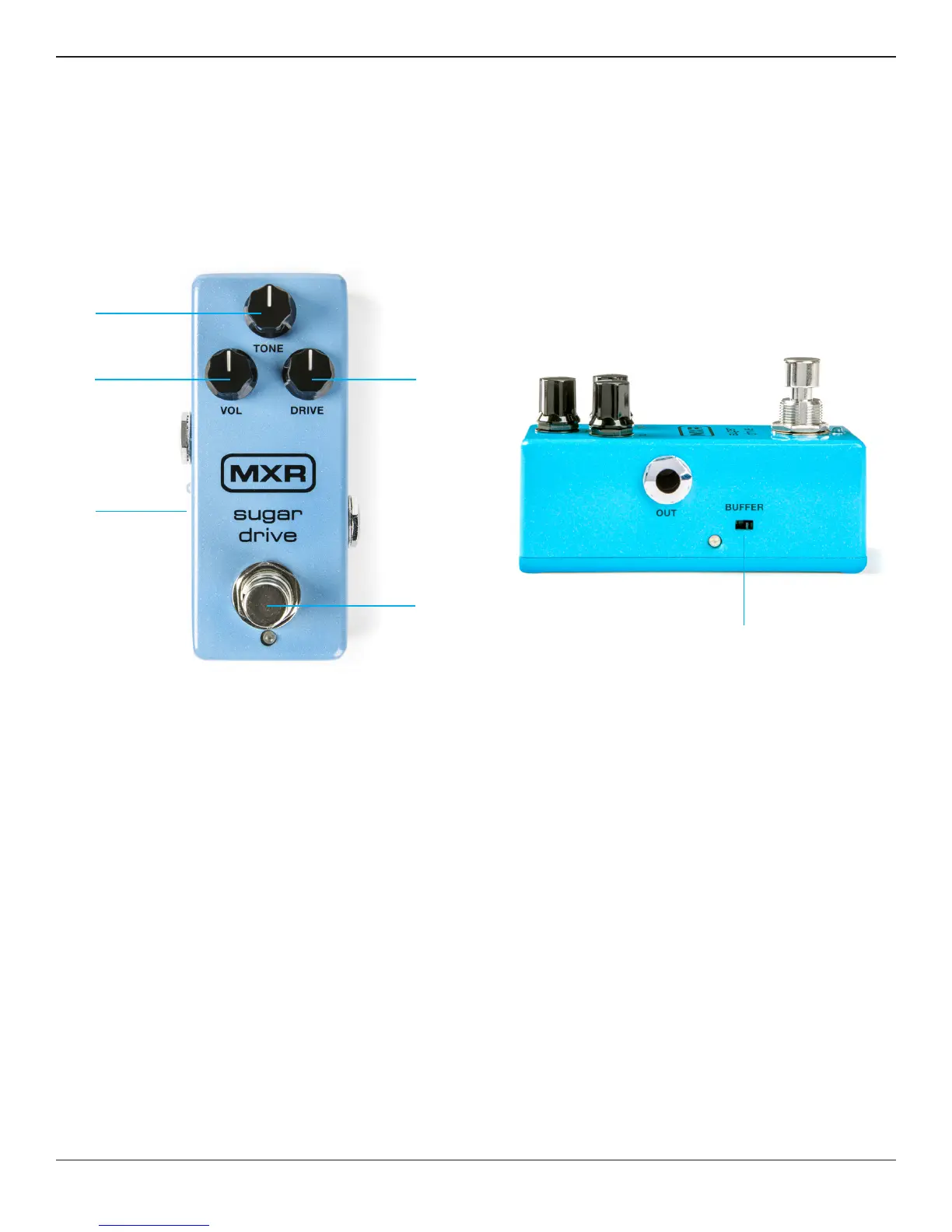
1 VOLUME knob sets overall effect volume
2 TONE knob rolls off high frequencies
3 DRIVE knob sets the amount of overdrive
4 BUFFER switch selects buffered bypass
(indicated by blue LED)
5 FOOTSWITCH toggles effect on/bypass
(blue LED indicates on)
6 By default, the M294 is set to true bypass switching
For buffered bypass switching, set the BUFFER
switch to its RIGHT position.
1
4
2
3
5
6
External Controls




 To Next Page