AC•THOR
®
/ AC•THOR
®
9s Operating instructions, version a0020806 8
The "Home" button always returns you to the home screen. The upper bar shows the current date,
time, the unit number und the operating mode (mode M1 – Mx). On the right, symbols show the
unit's current status.
The contents of the home screen vary according to the operating mode and shows how much power
the AC•THOR is currently feeding into the load. Depending on how many, if any, temperature
sensors are defined, the measured values are also shown.
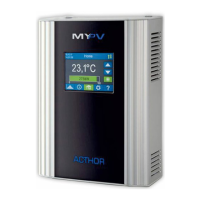
Homescreen AC•THOR:
The button "Single boost" only appears in hot water operating modes if the function for
ensuring a minimum temperature is activated. Actuating the button starts a once-only
boost backup mode. This can also be deactivated while it is in operation.
If the boost backup is actuated automatically based on the day of the week, time of day or
temperature, it cannot be deactivated by using the button.


 To Next Page
 Loading...