D-Link Technical Support – How to install the DCS-930L. Page 12 of 16
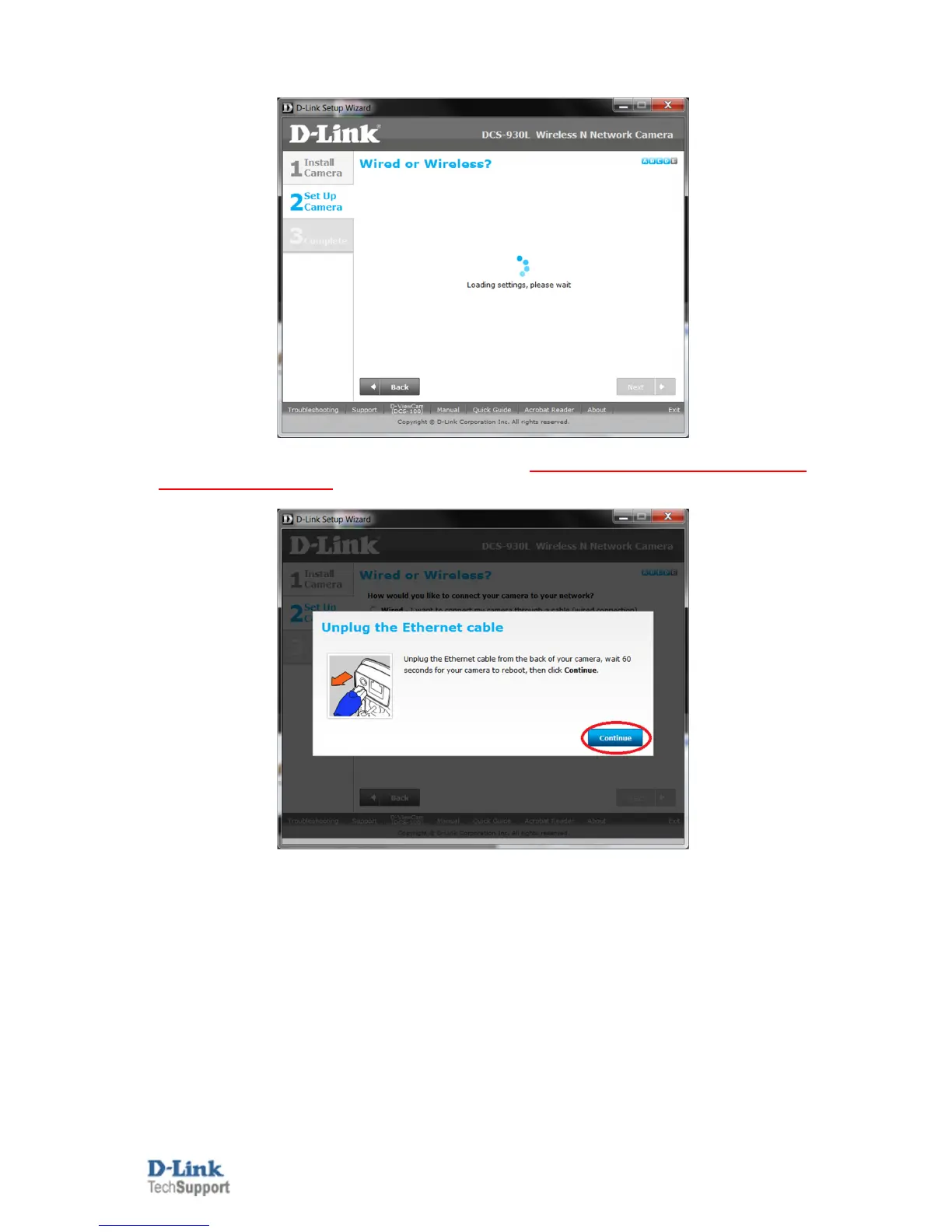
16g. Patiently wait for the Loading settings requirements to complete.
17. Unplug the Ethernet cable from the back of your camera. Patiently wait an additional 60 seconds, then
click on the Continue button:
NOTE: When disconnecting the Ethernet cable, the power LED will turn Red to Reboot, once rebooted it
should turn back to green. After 60 seconds has passed, now click on the Continue button.


 To Next Page