4
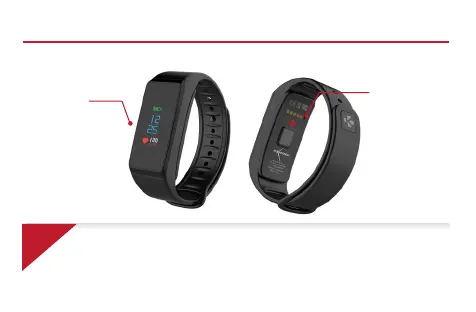
CHARGING
TERMINALS
TOUCH
SCREEN
OVERVIEW
i
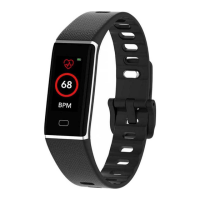
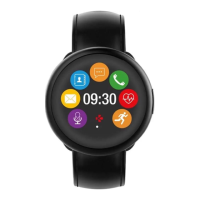
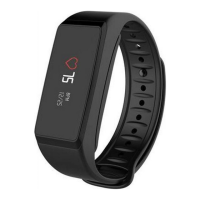
To interact with ZeFit
2
Pulse touchscreen, double tap on the touch-sensitive area to wake the
device. ZeFit
2
Pulse touchscreen only respond to tap gestures in this specific touch-sensitive
area. ZeFit
2
Pulse screen turns off when not in use. To ensure ZeFit
2
Pulse is responding
accurately to your taps, we recommend using your fingertip and not your nail. To move
between screens, swipe left or right.


 To Next Page