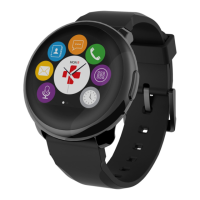
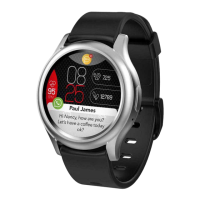
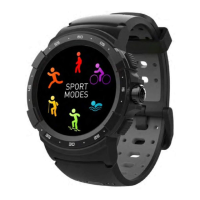
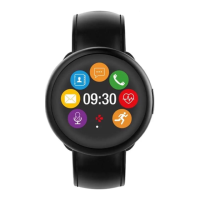
Need help?
Do you have a question about the MyKronoz ZeCircle and is the answer not in the manual?
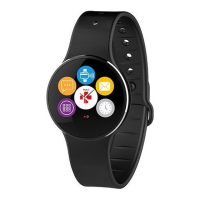
Displays time, date, and other information on the ZeCircle.
The interactive area below the screen for controlling the device via taps.
Connection points on the device for attaching to the charging dock.
Manual methods to begin and end sleep tracking sessions on ZeCircle.
Setting preferred bedtimes and wake-up times for automatic sleep tracking.
Specific instructions for configuring notifications on iOS devices for ZeCircle.
 General
| Type | Smartwatch |
|---|---|
| OS | Proprietary |
| Display Type | OLED |
| Display Size | 1.22 inches |
| Battery Life | Up to 5 days |
| Water Resistance | IP67 |
| Weight | 50 grams |
| Strap Material | Silicone |
| Bluetooth | Bluetooth 4.0 |
| Compatibility | iOS, Android |
| Sensors | Heart Rate Monitor, Accelerometer |
| Features | Sleep Monitoring |
| Activity Tracking | Steps, Distance, Calories |
| Notifications | Call, SMS, Social Media |
| Colors | Black, Blue, Pink, White |


 To Next Page