44
i
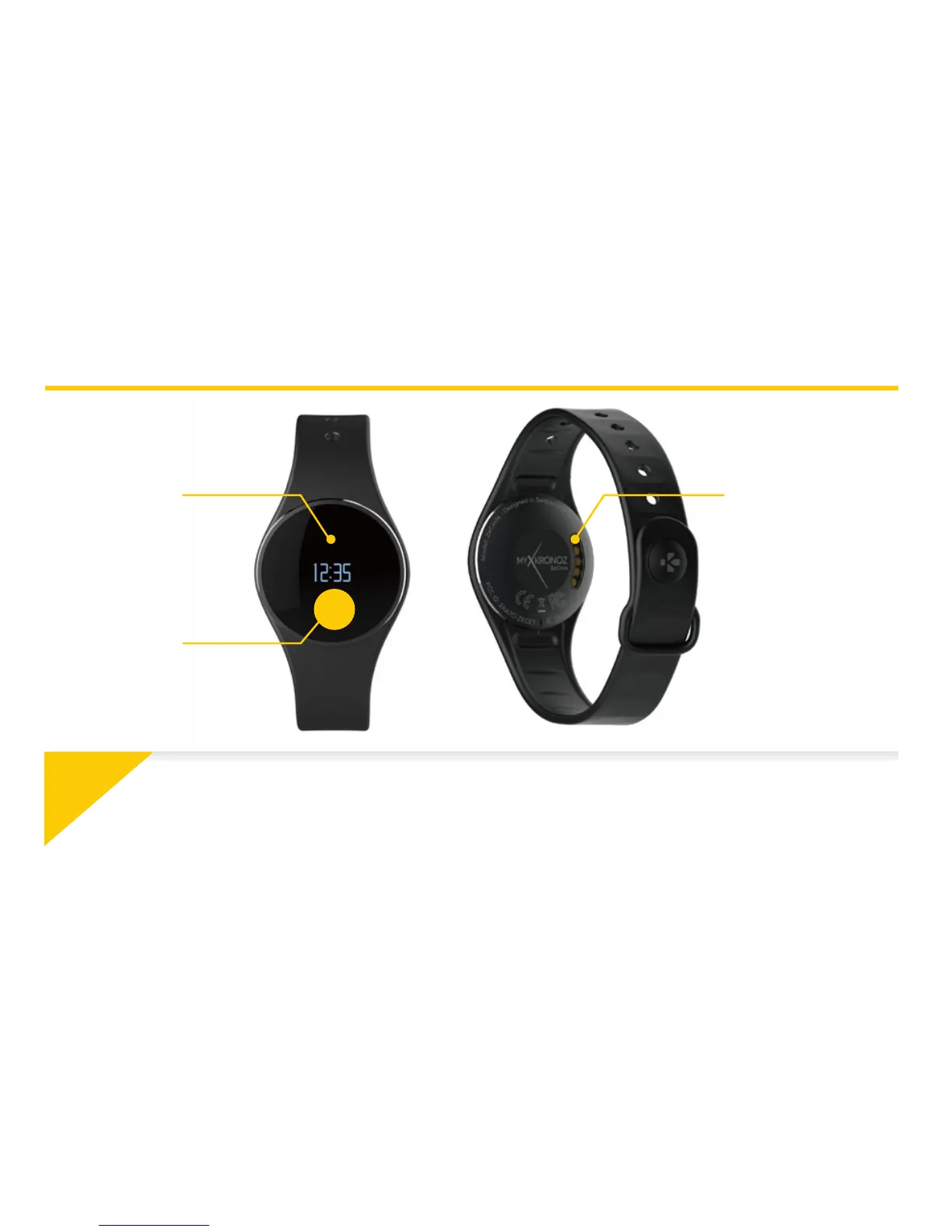
OVERVIEW
OLED
DISPLAY
TOUCH
ZONE
CHARGING
TERMINALS
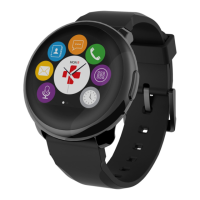
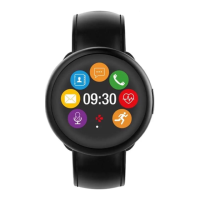
To interact with ZeCircle touchscreen, tap on the touch-sensitive area below the display section.
ZeCircle touchscreen only respond to tap gestures in this specific touch-sensitive area. Other
type of gestures like sliding, swiping, or pressing will not be detected. ZeCircle screen turns off
when not in use. Single tap the touch area to wake the device. To ensure ZeCircle is responding
accurately to your taps, we recommend using your fingertip and not your nail.



 To Next Page