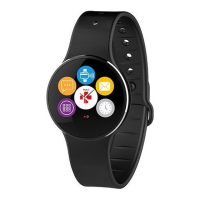
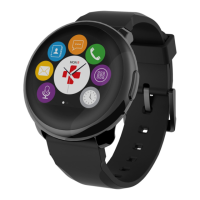
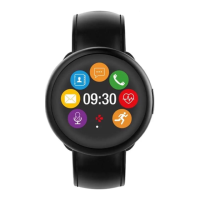
The first time you use ZeCircle, a SET UP message will prompt you to set up
your ZeCircle using a mobile device or a computer.
2. PAIRING
GET ZeCircle APP
To set up your ZeCircle using your mobile device, you first need to get
ZeCircle App. Search for ZeCircle App in the App store, Google Play or
Windows Phone store, download and install the App on your mobile device.
System Requirements
iOs Android
Windows Phone
iOS 7+ devices with Bluetooth 4.0 BLE
iPhone 4s, 5, 5c, 5s, 6, 6 Plus, iPad (3
rd
, 4
th
and
5
th
gen) iPad Mini, iPod touch (5
th
gen)
Select Android 4.3 +
devices that support
Bluetooth 4.0 BLE
Select Windows
Phone 8.1 that support
Bluetooth 4.0 BLE
Visit www.mykronoz.com to get the latest compatibility list



 To Next Page