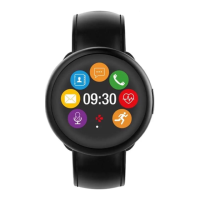
3. DISPLAYS
ZeCircle will automatically sync the time and date of your paired mobile device. You can set your
preferred time and date format manually in the Settings tab of ZeCircle App. Make sure you keep
the device charged to avoid the time being reset
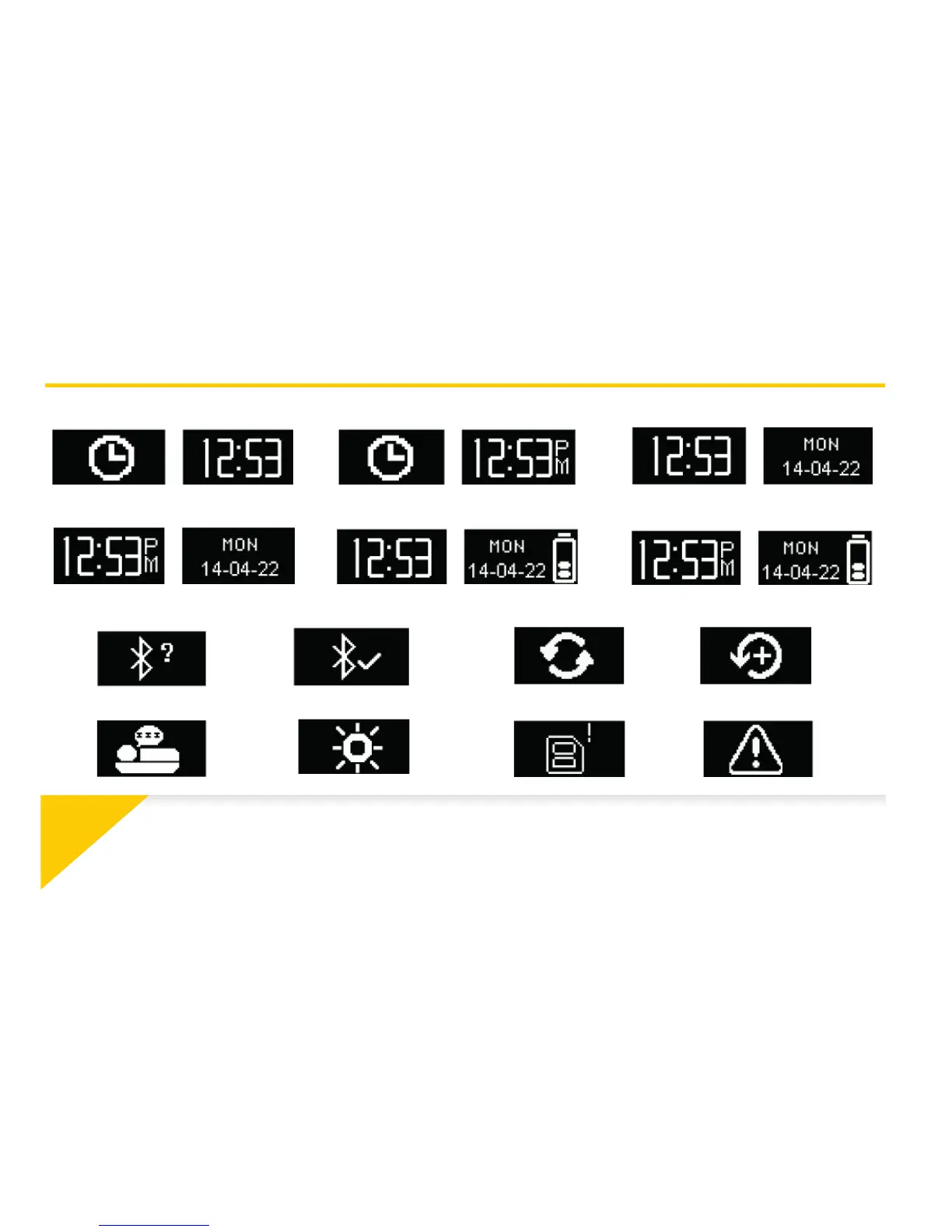
24-h 12-h 24-h Time + Date
12-h Time + Date
24-h Time + Date + Battery 12-h Time + Date + Battery
Pairing request Syncing Upgrading
Anti-lost alertFull memoryActivity modeSleep mode
Succesful pairing



 To Next Page