9
i
ZeFit
2
Pulse will automatically sync the time and date of your paired mobile device. You can set
your preferred time and date format manually in the Settings tab of ZeFit
2
App. Make sure you
keep the device charged to avoid the time being reset
4. DISPLAYS
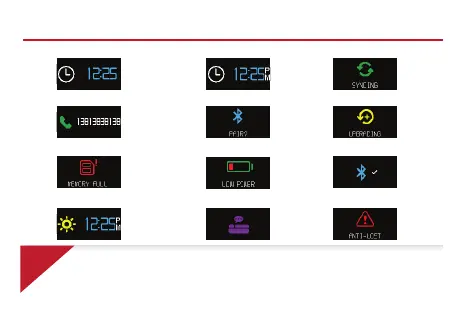
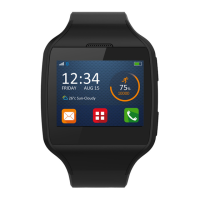
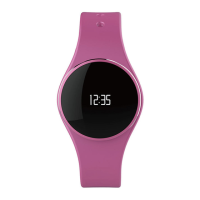
Homepage 24h
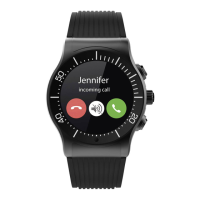
Incoming call
Pairing request Upgrading
Homepage 12h Syncing
Full memory Low power Successful pairing
Sleep mode Activity mode Anti-lost alert


 To Next Page