7
2. SET UP
I
Make sure the Bluetooth is enabled on your mobile device.
I
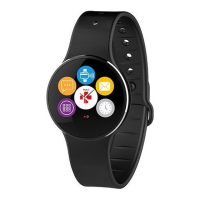
Download ZeRound
2
application from the App store or the Google Play Store.
I
Open ZeRound
2
application on your smartphone and follow the on-screen
instructions.
I
If the automatic pairing process is not starting, go to the settings menu and
click on “Connect ZeRound
2
”.
I
To connect the first Bluetooth antenna, follow the application’s instructions.
I
To connect the second Bluetooth antenna, open the Bluetooth settings of your
phone and select ZeRound
2
.
If your Android phone is NFC compatible, you can enable the pairing operation
by simply approaching ZeRound
2
to your Smartphone.
i
You only need to pair your device once. After the initial pairing, ZeRound
2
will
automatically connect to your phone as long as it is turned on and within range.
To pair ZeRound
2
with another smartphone, we recommend you to first unpair it
from your original device and then repeat the pairing procedure described above.






 To Next Page