13
7. VOICE CONTROL
Use the Voice Control feature to voice command your mobile device remotely or
search information from the Internet.
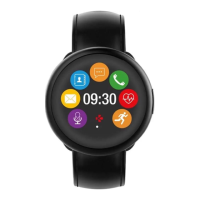
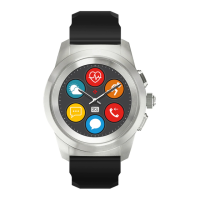
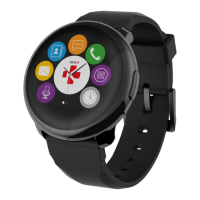
To start using the feature, tap the Voice Control icon to open the respective page
on ZeRound.
Then tap the Voice Control again to turn the function on or off.
Examples of what you can ask or do:
I
Call (name of your contact)
I
Send a SMS to (name of your contact)
I
What’s the weather like?
I
Set an alarm for tomorrow 5 am
This feature is available with iOS 8+ devices that support Siri and Select Android 4.3 +
devices that support Google Now. To use voice control, your smartphone must have
access to the Internet using either 3/4G or Wifi
i



 To Next Page