- 5 -
4. BASIC OPERATIONS
I TURN ON/OFF THE DEVICE
Long press the button for 3 seconds
I TURN ON THE SCREEN
Press the button
I MOVE BETWEEN SCREENS
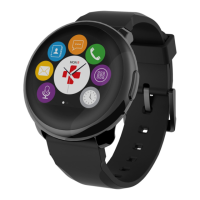
Slide to the right for activity menu
Slide to the left for main menu
Slide up for notifications
Slide down for shortcuts
I ENTER A MENU/SELECT/CONFIRM
Tap with one finger to open or select a menu item
I EXIT A MENU/GO BACK TO PREVIOUS SCREEN
Tap twice to return to previous screen or exit a menu
I GO BACK TO THE HOME SCREEN FROM ANY SCREEN
Press the button
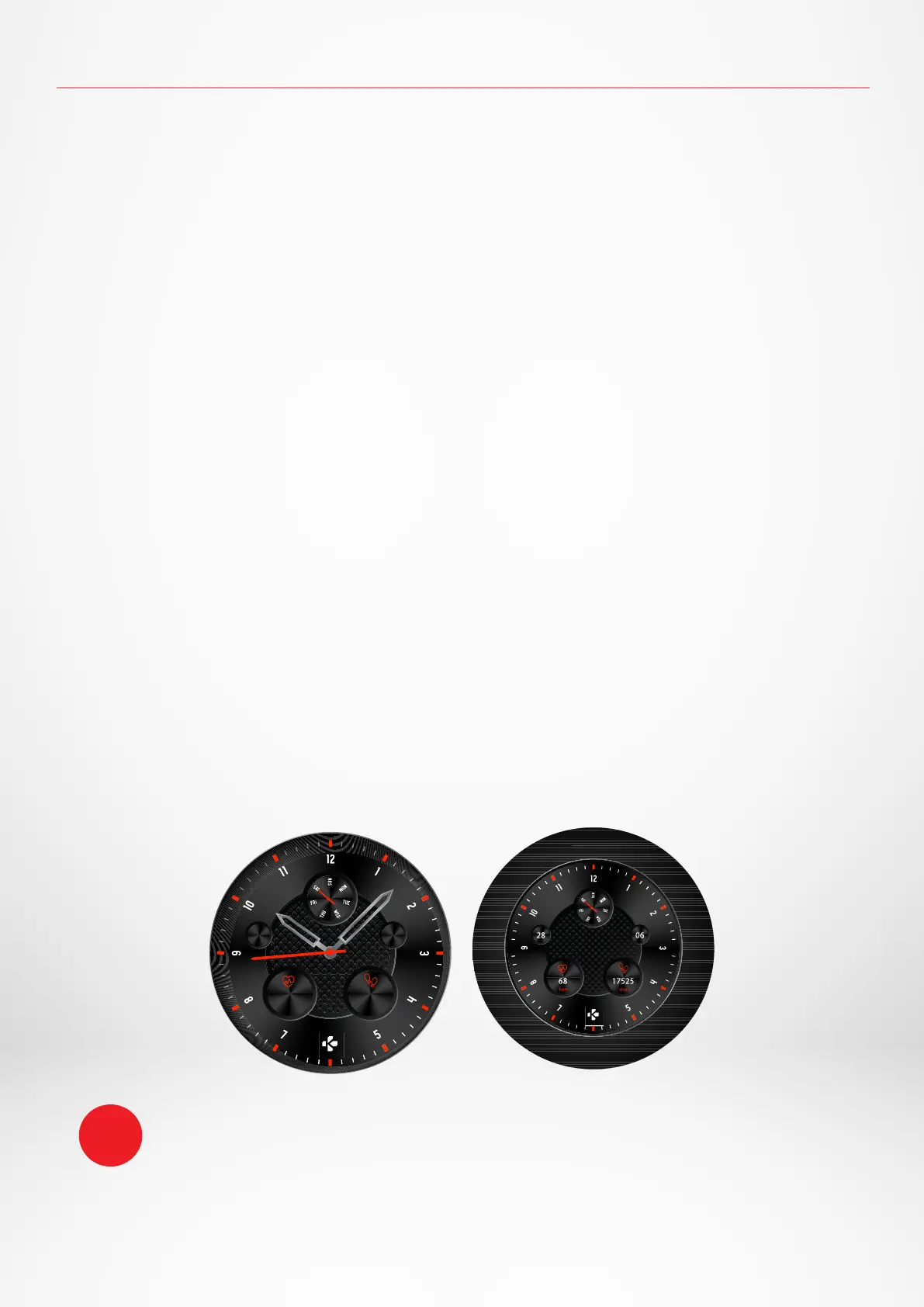
I CHANGE THE WATCH FACE
To change your ZeRound
3
watch face, press firmly on the current watch face, swipe left or right to go
through the dierent watch faces available and tap on the one you want to select and use.
To ensure ZeRound
3
is responding accurately to your taps, we recommend using your
fingertip and not your nail.
i
17525
steps
68
28 06
bpm









 To Next Page