- 33 -
24.HOME TIME ZONE
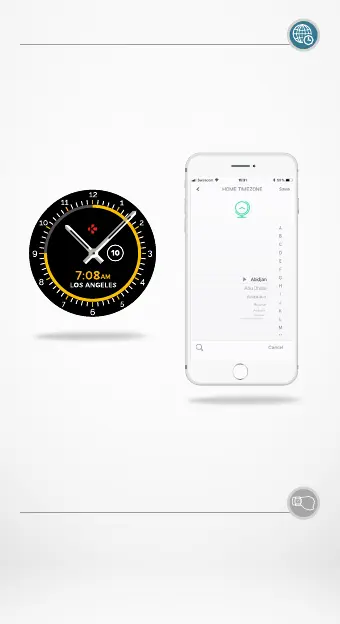
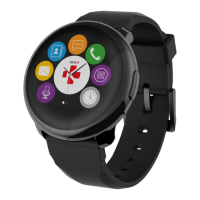
ZeTime allows you to display two dierent time zones on
the same screen. With selected watch faces, analog hands
will provide the local time while a digital clock will provide
corresponding home time zone. This function is particularly
useful for people traveling regularly between time zones.
I TO ADJUST HOME TIME ZONE
• Go to the Advanced settings in the mobile app.
• Tap on Home Time Zone.
• Select your Time Zone city and save your setting.
25.WRIST FLICK
The wrist flick mode will enable you to light-up your screen
by simply lifting your wrist towards your face. By default
this feature is disabled in order to save battery life. You can
enable it from the watch setting menu in the display section.



 To Next Page